
How to Create a Formative Assessment GeoGebra Resource with Instant Feedback
Loading the math board and drawing, please wait…
In collections
Authoring For Assessment (Global Gathering 2019)
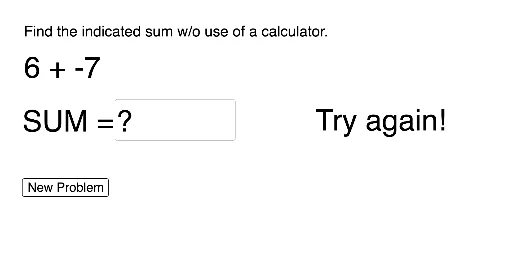
This example demonstrates how to create a formative assessment GeoGebra resource with instant feedback. Core math concepts include integral calculus. Construction highlights the use of commands like Random, Textfield, and InputBox. Suitable for high school or university calculus courses.
GeoGebra Commands & Parameters
Random(-10, 10) → aRandom(-10, 10) → bTextfield(d) → InputBox1
AI Drawing Prompt Reference
Create a problem involving the integral of a function y = x^2 with two random integers a and b. Users can input their answer in an input box, and the system will provide instant feedback. First, draw the x-axis and y-axis, then plot the graph of y = x^2 in the first quadrant. Next, randomly select two points a and b on the x-axis, and finally, provide an input box for users to enter their answer.
The prompt above was compiled from the original drawing commands and is for reference only.