
Graph a Line
Loading the math board and drawing, please wait…
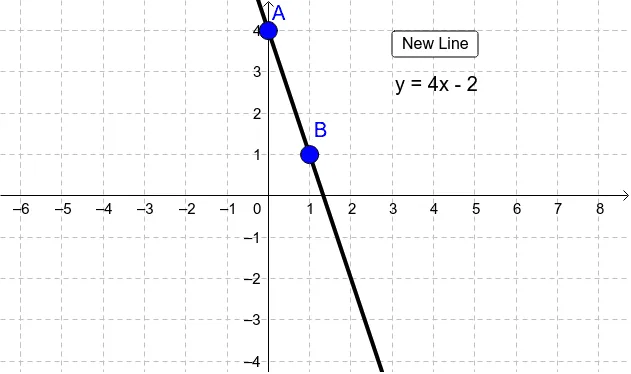
This example demonstrates how to graph a straight line by selecting two points. It involves core math concepts like coordinate geometry and linear equations. Key GeoGebra commands used include Line for drawing the line, button1 for interactive point selection (A and B), and text1, text2 for displaying instructions. Suitable for high school students learning and practicing coordinate geometry constructions.
GeoGebra Commands & Parameters
Line(A, B) → b
AI Drawing Prompt Reference
Draw a straight line by selecting two points and connecting them, then show instructions for the operation.
The prompt above was compiled from the original drawing commands and is for reference only.