
GeoGebra5 Implicit Surface Image Gallery
Loading the math board and drawing, please wait…
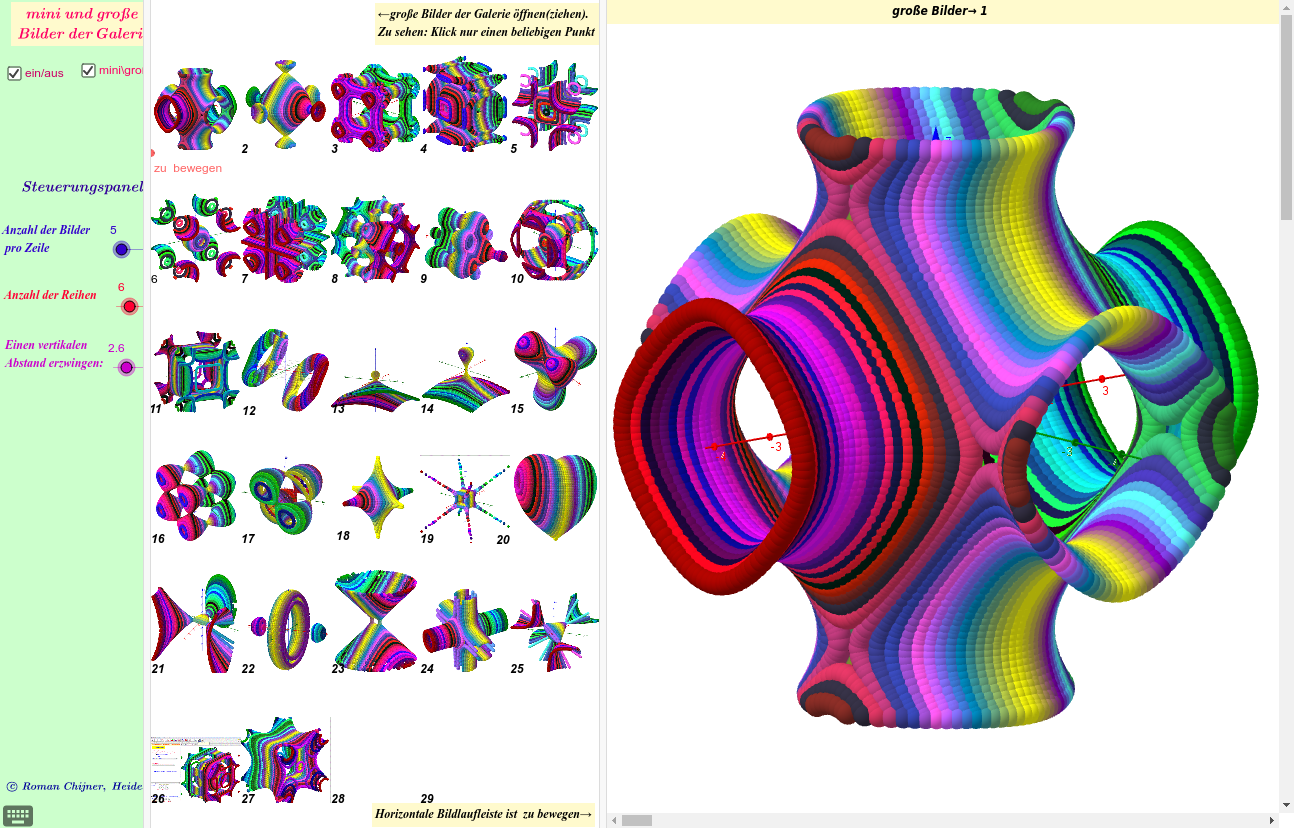
This example demonstrates implicit surfaces and their layered curves. It involves core mathematical concepts like implicit surfaces, parametric equations, coordinate geometry, and symmetry. Construction highlights include commands like Corner, If, Segment, Point, Sequence, Join, and Element from GeoGebra. Suitable for high school and above students and teachers to understand complex surface constructions and visualization.
GeoGebra Commands & Parameters
Corner(4) → W04Corner(1) → W01If(e, y(B), y(W01) + (Bild - 1) * sy) → y0Corner(2) → W02Segment(W01, W02) → dPoint(d) → EIf(e, x(B), x(E)) → x0If(e, Ny, 40) → Ny1If(e, Nx, 1) → Nx1If(e, c, sy) → yWSequence(y(C0 - yW * (j - 1)), j, 1, Ny1) → mySequence(x(C0 + xW * i), i, 0, Nx1) → mxJoin(Sequence[Sequence[{(Element[mx, i], Element[my, j]), (Element[mx, i + 1], Element[my, j])}, i, 1, Nx1], j, 1, Ny1]) → l1Element(l1, b) → z0Sequence(Text[i], i, 1, (Nx1 + 1) * Ny1) → l2Element(l2, b) → z1Corner(3) → W03
AI Drawing Prompt Reference
Create an implicit surface image showcasing layered curves, incorporating core mathematical concepts like implicit surfaces, parametric equations, coordinate geometry, and symmetry. Start by defining four corner points, calculate a series of points, connect them to form curves, and then generate the surface from these curves. The final image should highlight complex surface constructions and visualization.
The prompt above was compiled from the original drawing commands and is for reference only.