
GeoGebra Quadratic Constructions Task 2a
Loading the math board and drawing, please wait…
In collections
GeoGebra constructions... quadratic edition
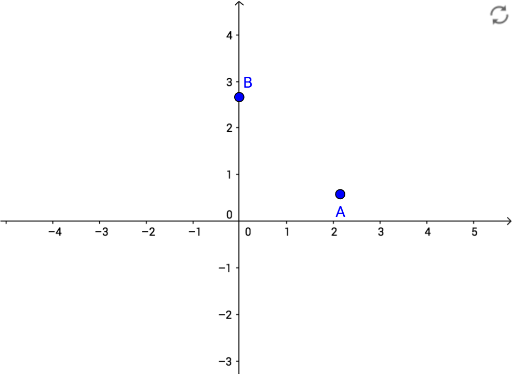
This example demonstrates how to construct points A and B in GeoGebra and perform geometric operations related to quadratic functions based on these points. Core math concepts include quadratic functions, coordinate geometry, and vectors. Construction highlights the use of the Point command in GeoGebra. Suitable for high school mathematics teaching and function graphing learning.
GeoGebra Commands & Parameters
Point(yAxis) → B
AI Drawing Prompt Reference
On a coordinate plane, start by placing a point on the vertical axis, which serves as a reference for further construction. This point is located somewhere on the y-axis, with its exact position unspecified, but it forms the foundation of the entire figure. Around this point, geometric constructions related to quadratic functions can be developed, such as drawing perpendiculars or connecting lines, or establishing functional relationships with points on the horizontal axis. The figure should include the coordinate axes, the reference point, and possibly auxiliary lines or curves to illustrate properties of quadratic functions. The overall construction is simple, emphasizing the point's placement on the vertical axis and its role in the function graph.
The prompt above was compiled from the original drawing commands and is for reference only.