
Game on: Equations of Straight Lines y = mx + c
Loading the math board and drawing, please wait…
In collections
Game Applets (2014 National ICT Presentation)
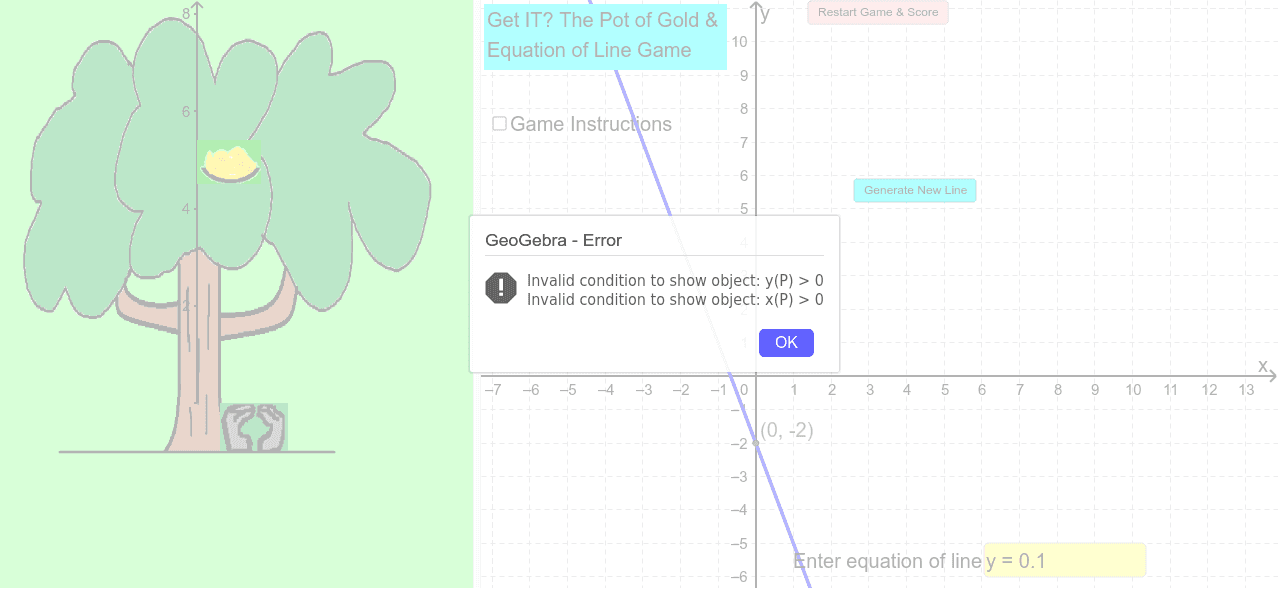
This interactive game helps assess students' understanding of straight line equations. By inputting different slopes and y-intercepts, students can practice graphing lines and verifying equations. The example uses GeoGebra commands such as Random, RandomElement, If, Textfield, Function, and Intersect, suitable for middle school and above students.
GeoGebra Commands & Parameters
Random(-6, 6) → cRandom(0, 6) → aRandomElement(LineList) → l_cIf(l_{answer} ≟ l_c, true, false) → AnswerCorrectTextfield(l_{answer}) → inputBox1Function(0 * x - 1, -3, 3) → fIntersect(l_c, yAxis) → C
AI Drawing Prompt Reference
Draw a straight line with randomly generated slope and y-intercept, and display its intersection with the y-axis in a coordinate system. Provide an input box for users to enter the equation of the line and check if their input matches the randomly generated line. Also, draw a reference line for comparison with the user's input line.
The prompt above was compiled from the original drawing commands and is for reference only.