
Function Transformations
Loading the math board and drawing, please wait…
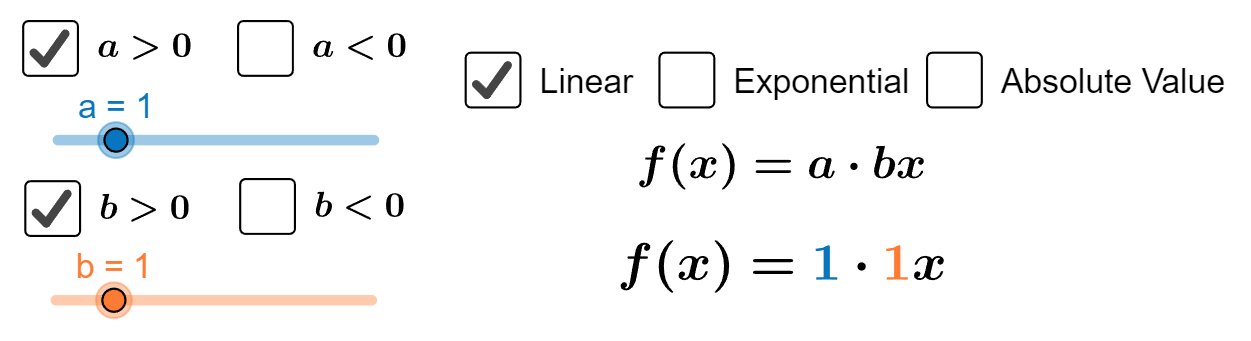
This example demonstrates the concept of function transformations, including translations and scalings. It involves key mathematical concepts such as function graphs, vectors, and transformations. Using GeoGebra commands like If, Vector, Distance, etc., it allows dynamic observation of changes in function graphs. Suitable for high school mathematics education and learning.
GeoGebra Commands & Parameters
If(s ≟ true, (h, c + k), (h, k)) → AIf(s ≟ true, (0, 1), (0, 0)) → BIf(g ≟ true, (x(A) + 1 / e, f(x(A) + 1 / e)), If[j ≟ true, (x(A) + 1 / e, m(x(A) + 1 / e)), If[s ≟ true, (x(A) + 1 / e, r(x(A) + 1 / e))]]) → CVector(A, E) → vIf(s ≟ true, (1, 1), (1, 0)) → B'Vector(B, B') → aVector(E, C) → wDistance(E, C) → distanceECDistance(E, D) → distanceEDIf(s ≟ true, (1, 2), (1, 1)) → FVector(B', F) → uDistance(B', F) → distanceB'FDistance(B, B') → distanceBB'Vector(G, H) → nDistance(G, H) → distanceGHCorner(text8, 1) → c1Corner(text8, 2) → c2Corner(linear4, 3) → c_{linear4}Corner(linear5, 3) → c_{linear5}Corner(exp1, 3) → c_{exp1}Corner(expa, 3) → c_{expa}Corner(exp2, 3) → c_{exp2}Corner(exp3, 3) → c_{exp3}Corner(expb, 3) → c_{expb}Corner(exp4, 3) → c_{exp4}Corner(exph, 3) → c_{exph}Corner(exp5, 3) → c_{exp5}Corner(abs1, 3) → c_{abs1}Corner(absa, 3) → c_{absa}Corner(abs2, 3) → c_{abs2}Corner(absb, 3) → c_{absb}Corner(abs3, 3) → c_{abs3}Corner(absh, 3) → c_{absh}Corner(abs4, 3) → c_{abs4}Corner(text14, 1) → linearc1Corner(text14, 2) → linearc2Corner(text15, 1) → expc1Corner(text15, 2) → expc2Corner(text16, 1) → absc1Corner(text16, 2) → absc2
AI Drawing Prompt Reference
Draw a graph containing multiple function graphs. The graph includes translated function points, vector representations of transformation directions, distance measurements, and different functions such as exponential and absolute value functions. The construction order starts from basic points, then generates transformed points through translation and vector operations, draws function graphs, and finally labels key points.
The prompt above was compiled from the original drawing commands and is for reference only.