
Function Surface and Curve Mesh Demonstration
Loading the math board and drawing, please wait…
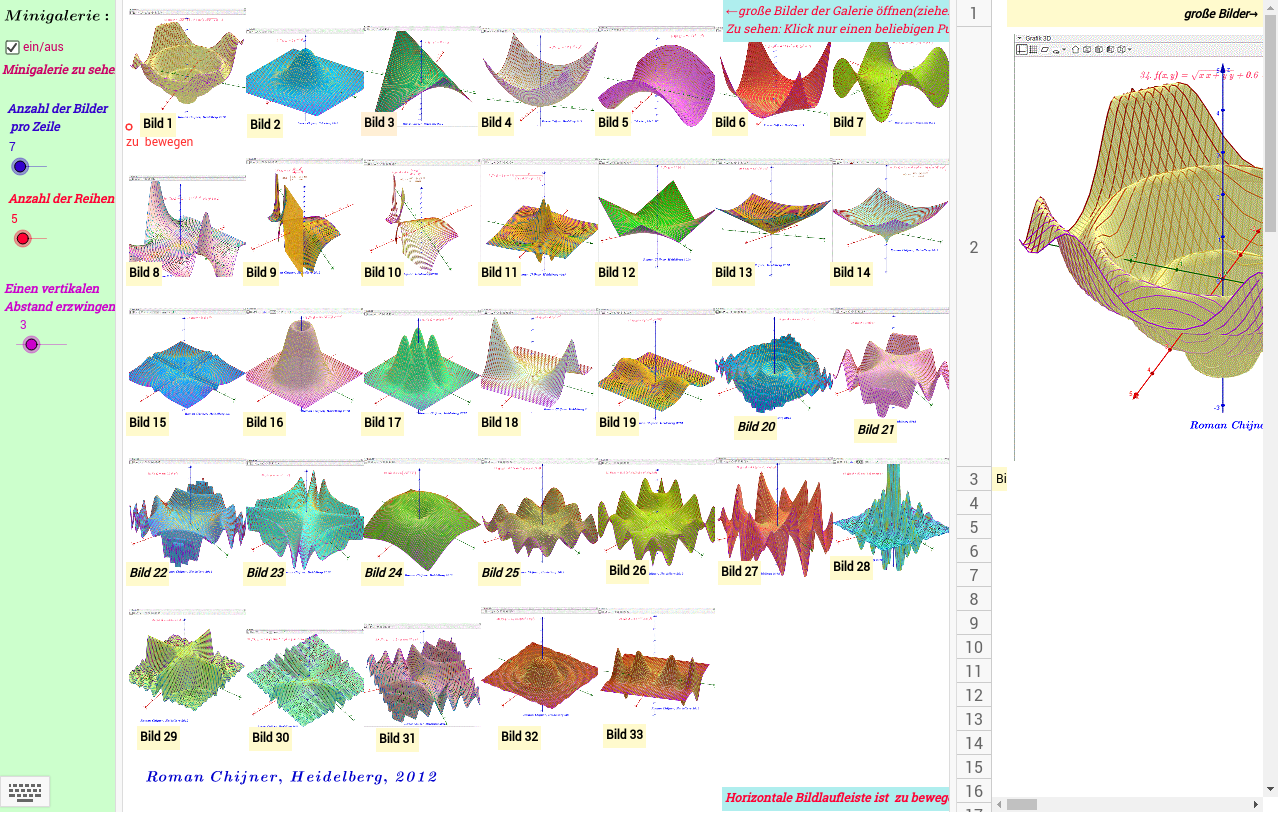
This example demonstrates the 3D image of a function z=f(x,y) along with its corresponding curve mesh effect. The core mathematical concepts involved include functions, surfaces, parametric equations, and curve meshes. The construction utilizes GeoGebra commands such as Corner (corner points), Sequence (sequences), Join (joining), and Element (elements) to build complex surfaces and curve meshes. It is suitable for high school and above mathematics learners to understand the geometric representation of function images and the drawing of parametric curves.
GeoGebra Commands & Parameters
Corner(1) → W01Corner(2) → W02Corner(4) → W04Sequence(y(C0 - yW * (j - 1)), j, 1, Ny) → mySequence(x(C0 + xW * i), i, 0, Nx) → mxJoin(Sequence[Sequence[{(Element[mx, i], Element[my, j]), (Element[mx, i + 1], Element[my, j])}, i, 1, Nx], j, 1, Ny]) → l1Element(l1, b) → z0Sequence(Text[i], i, 1, (Nx + 1) * Ny) → l2Element(l2, b) → z1Corner(3) → W03
AI Drawing Prompt Reference
Draw a 3D image of a function z=f(x,y) and add its corresponding curve mesh effect. First, determine four corner points, then generate grid lines in both x and y directions, and finally use these grid lines to draw the complex surface and curve mesh.
The prompt above was compiled from the original drawing commands and is for reference only.