
Function Notation: Evaluate
Loading the math board and drawing, please wait…
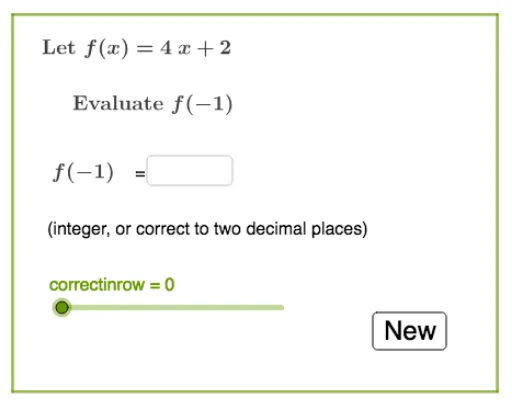
This example demonstrates how to evaluate expressions using function notation with GeoGebra. It involves core math concepts like function notation, polynomial functions, differential calculus, dilation, and confidence intervals. Construction highlights include commands like Random, Simplify, RandomElement, Textfield, Point, and Polygon. Suitable for high school and above, focusing on function evaluation and concept visualization.
GeoGebra Commands & Parameters
Random(-5, 5) → bRandom(-1, 2) → aRandom(1, 10) → cSimplify((a * x^(2)) + (b * x) + c) → kSimplify((b * x) + c) → gRandomElement(list1) → fRandom(-5, 5) → qTextfield(empty1) → InputBox1Point(yAxis) → APoint(yAxis) → DPolygon(A, B, C, D) → q1, a_1, b_1, c_1, d
AI Drawing Prompt Reference
Create a visual demonstrating function notation by plotting a polynomial function and its derivative with randomly generated coefficients. Include coordinate axes, points, and form a quadrilateral. Add a text box for evaluating function values and display confidence intervals.
The prompt above was compiled from the original drawing commands and is for reference only.