
Finding Coordinates
Loading the math board and drawing, please wait…
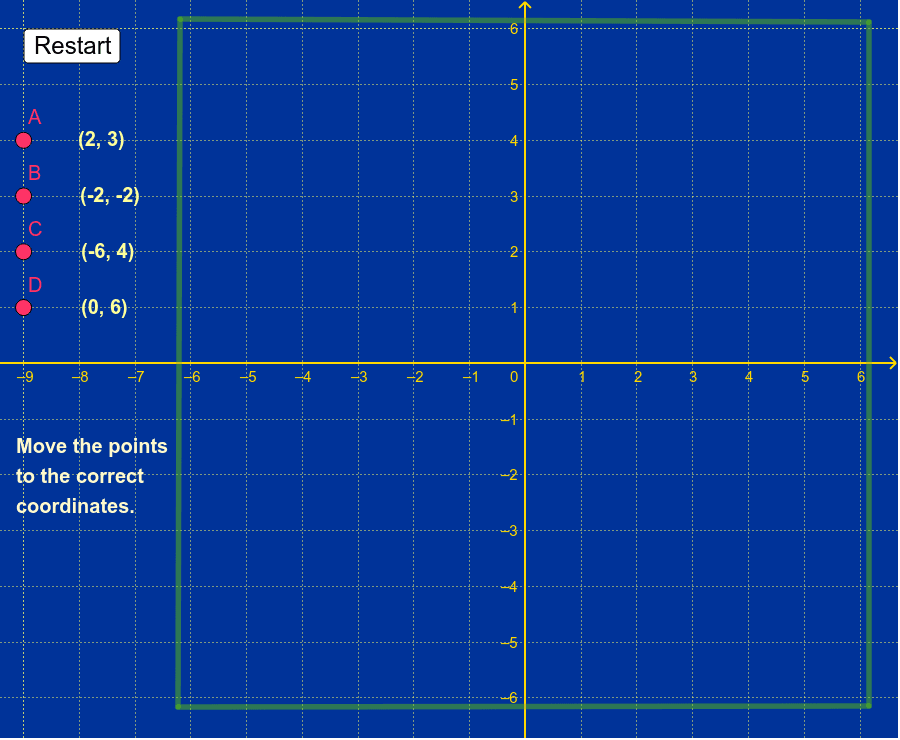
This example guides students to move points to specific positions using buttons, demonstrating coordinate transformations in coordinate geometry. Key mathematical concepts include coordinate systems and point positions. It uses the Segment command to construct line segments and buttons to control point movements. Suitable for middle school and above students learning coordinate geometry.
GeoGebra Commands & Parameters
Segment(E, F) → aSegment(F, G) → bSegment(G, H) → cSegment(H, E) → d
AI Drawing Prompt Reference
Draw a square by moving points E, F, G, and H. First, draw segment EF, then FG, followed by GH, and finally HE to form a closed square.
The prompt above was compiled from the original drawing commands and is for reference only.