
Factoring to Find Roots
Loading the math board and drawing, please wait…
In collections
FOM 12 BC
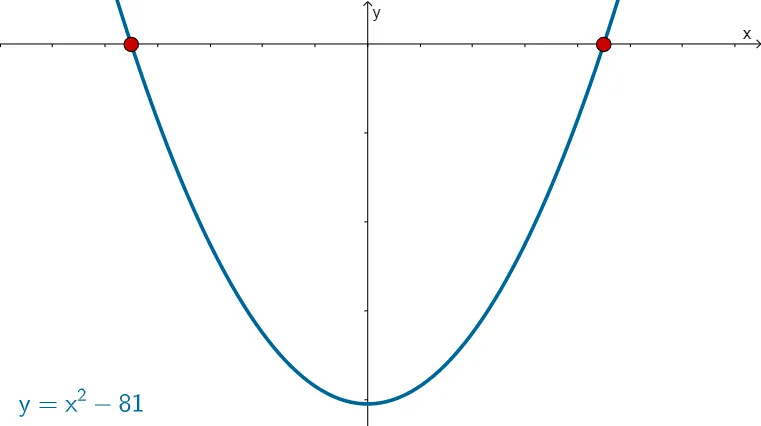
This example demonstrates graphically how to find the roots of a quadratic function by factoring. Core math concepts include quadratic functions, factoring, roots, and parabola symmetry. It utilizes GeoGebra commands/objects like RandomElement, Random, Expand, Extremum, Max, Min, Root, and Textfield. Suitable for high school mathematics education to understand and apply the method of factoring quadratic functions to find roots.
GeoGebra Commands & Parameters
RandomElement(list1) → qRandom(-12, 3) → r1Random(-3, 12) → r2Expand(((x - r1) * (x - r2))) → fExtremum(f) → VMax(y(V) + 5, 10) → ymaxMin(y(V) - 5, -8) → yminRoot(f) → B, CTextfield(emptyleft) → InputBox1Textfield(emptyright) → InputBox2Max(r2 + 6, r1 + 6) → xmaxMin(r1 - 5, r2 - 5) → xmin
AI Drawing Prompt Reference
Draw a quadratic function graph by factoring to find its roots. First, randomly generate two numbers r1 and r2, then construct the quadratic function f=(x-r1)*(x-r2). Find the vertex V of the function, set the maximum and minimum y values ymax and ymin, and finally find the roots B and C of the function.
The prompt above was compiled from the original drawing commands and is for reference only.