
Exploring Properties of Squares
Loading the math board and drawing, please wait…
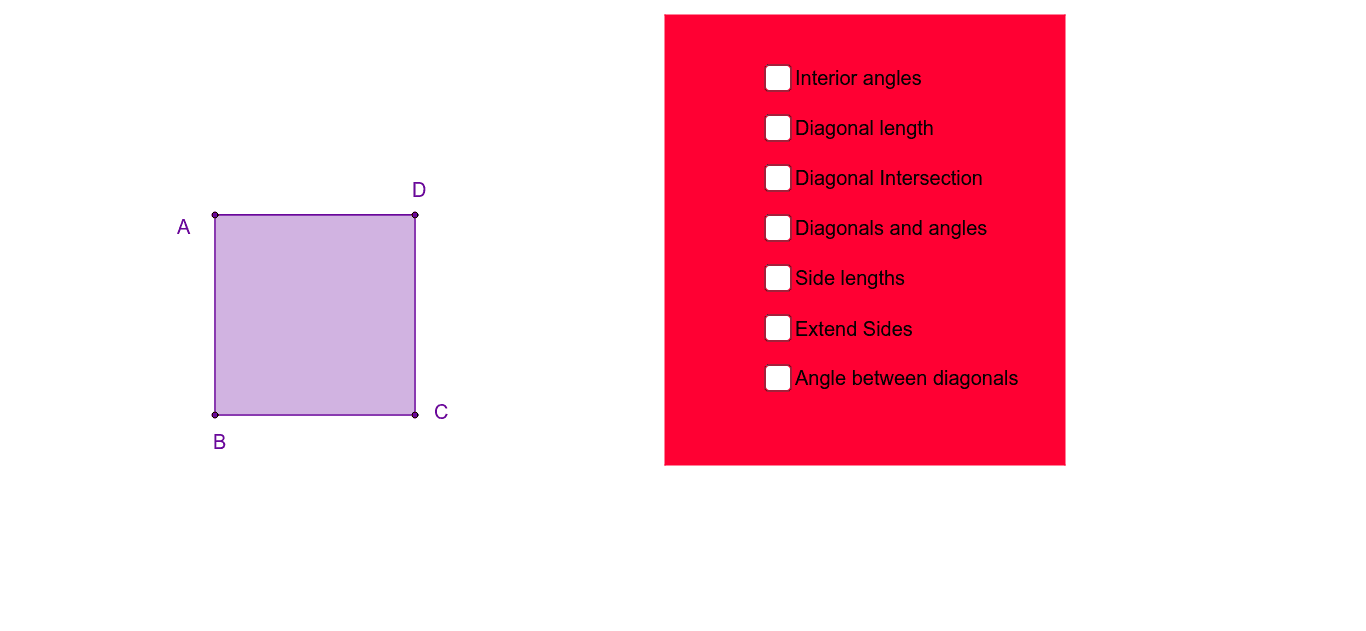
This example demonstrates the geometric properties of squares through interactive exploration of side lengths, angles, diagonals, and relationships. Key math concepts include polygons, angles, similarity, congruence, trigonometry, and transformations. GeoGebra commands like Polygon, Segment, Intersect, Angle, and Line are used for construction. Suitable for middle school and higher education for geometric intuition and property verification.
GeoGebra Commands & Parameters
Polygon(A, B, 4) → poly1, a, b, c, d, C, DSegment(A, C) → ACSegment(B, D) → BDIntersect(AC, BD) → ESegment(A, E) → AESegment(D, E) → DESegment(C, E) → CESegment(B, E) → BESegment(D, B) → gSegment(C, A) → hAngle(B, A, C) → αAngle(C, A, D) → βAngle(A, D, B) → γAngle(B, D, C) → δAngle(D, C, A) → εAngle(A, C, B) → ζAngle(C, B, D) → ηAngle(D, B, A) → θSegment(A, D) → ADSegment(D, C) → DCSegment(C, B) → CBSegment(B, A) → BAAngle(poly1) → ι, κ, λ, μLine(A, B) → lLine(D, C) → mLine(A, D) → nLine(B, C) → pSegment(A, C) → qSegment(D, B) → rAngle(r, q) → νPolygon(F, G, H, I) → poly2, f_1, g_1, h_1, i_1
AI Drawing Prompt Reference
Draw a square and explore its geometric properties through interactive exploration of side lengths, angles, and diagonals. The figure should include a square with its diagonal intersection point and line segments from vertices to the intersection. The construction order should start with drawing the square, then adding diagonals, finding the intersection, and finally connecting points to show geometric relationships.
The prompt above was compiled from the original drawing commands and is for reference only.