
Exploring Integers With the Number Line
Loading the math board and drawing, please wait…
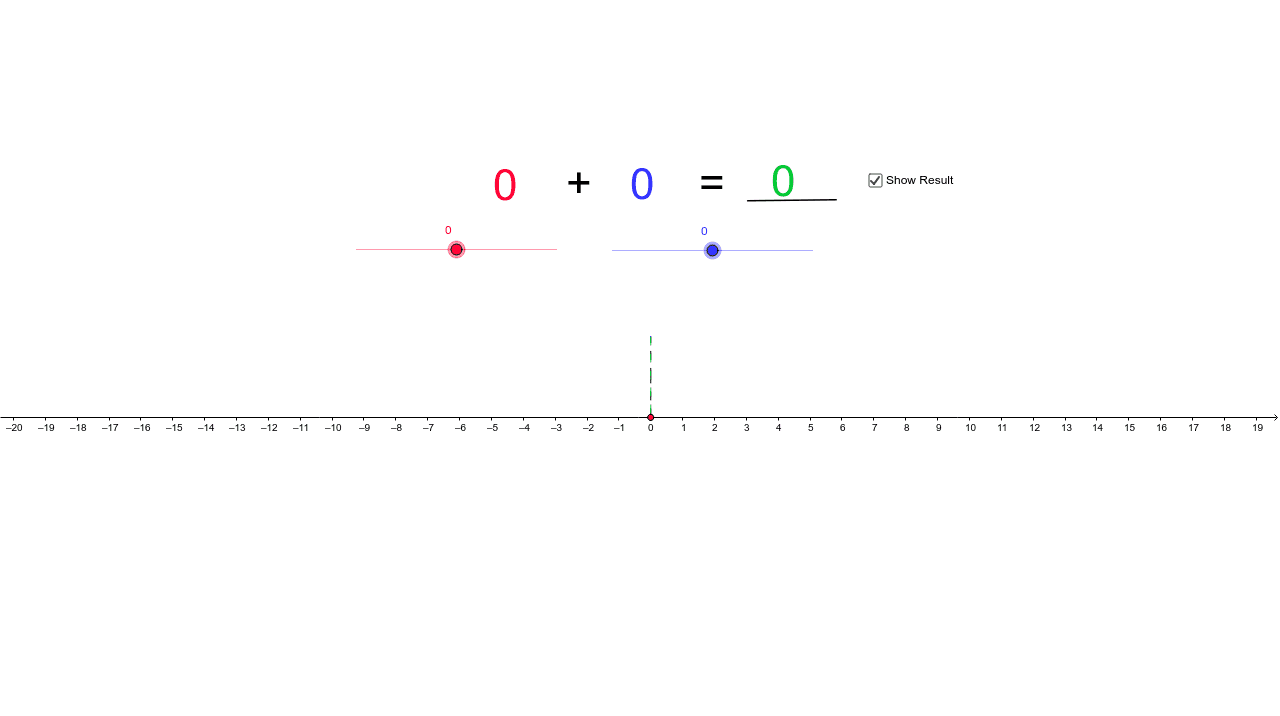
This example demonstrates integer addition using sliders and a number line. It involves core math concepts like integers, number line, and addition operations. Constructed with GeoGebra commands/objects such as Vector, Segment, and Text. Suitable for middle school mathematics teaching to help students visually understand the geometric meaning of integer addition.
GeoGebra Commands & Parameters
Vector(A, B) → uVector(C, D) → vSegment(Z, A) → gSegment(B, C) → hSegment(D, R) → iText(a) → text2Text(b) → text3Text("+") → text4Text("=") → text5Text(r) → text6Segment(E, F) → d
AI Drawing Prompt Reference
Draw a number line. From point A to point B, draw a vector u. From point C to point D, draw a vector v. Then, draw a line segment g from point Z to point A, a line segment h from point B to point C, and a line segment i from point D to point R. Write numbers a, b, +, =, and r at appropriate positions. Finally, draw a line segment d from point E to point F to represent the sum of vectors u and v.
The prompt above was compiled from the original drawing commands and is for reference only.