
Exploring Integer Addition with Number Line and Sliders
Loading the math board and drawing, please wait…
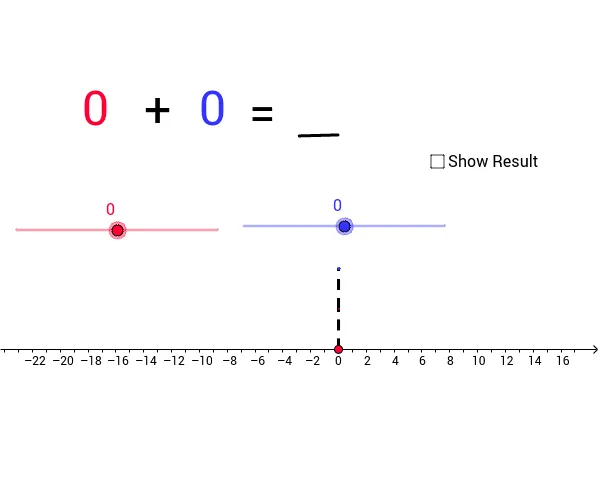
This GeoGebra example lets users explore integer addition using a number line and interactive sliders. By moving sliders a and b, the corresponding integers are represented as vectors A and B on the line, and their sum is shown as vector R together with text outputs (text1–text6). The construction employs Vector, Segment, and Text commands, utilizing objects such as a, b, A, B, u, C, D, v, R, Z, g, h, i, r, and the text objects to create a dynamic learning environment. Core concepts include integer representation, vector addition, and the number‑line model. It is designed for middle‑school through high‑school students and teachers as a visual aid for teaching arithmetic of integers.
GeoGebra Commands & Parameters
Vector(A, B) → uVector(C, D) → vSegment(Z, A) → gSegment(B, C) → hSegment(D, R) → iText(a) → text2Text(b) → text3Text("+") → text4Text("=") → text5Text(r) → text6Segment(E, F) → d