
Exploring Dilation of Rectangles with GeoGebra
Loading the math board and drawing, please wait…
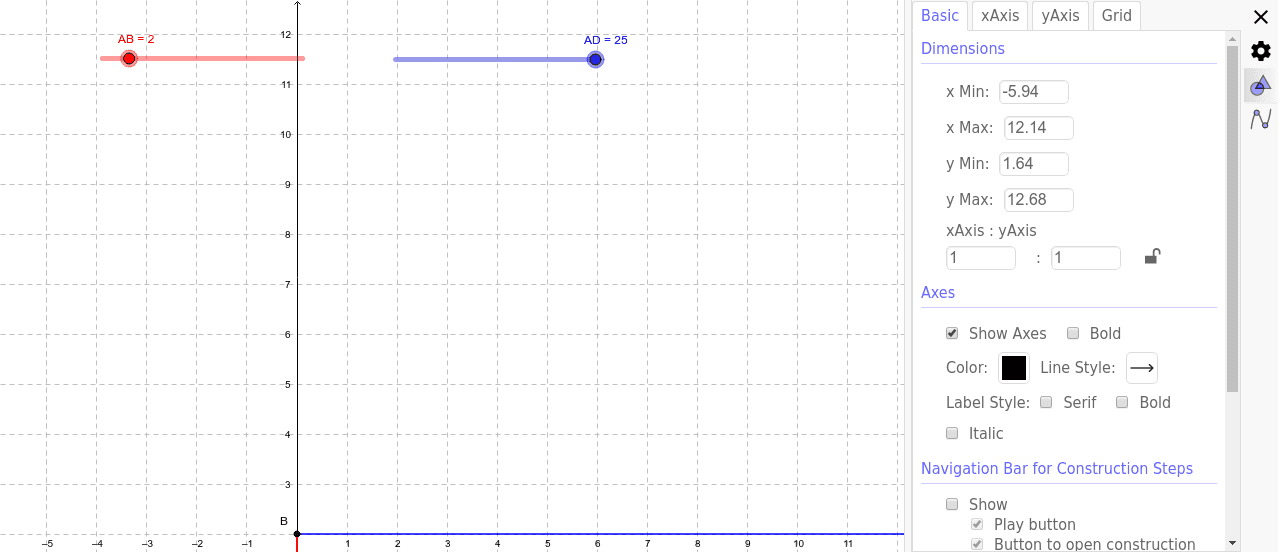
This GeoGebra example lets users explore the dilation (scaling) of rectangles, visualizing how a center point and scale factor transform the shape while preserving angles and proportions. Key mathematical ideas include similarity, vector scaling, ratio, and geometric transformations. The construction uses basic commands such as Point, Segment, Rotate, Angle, Line, Circle, and Intersect, with objects like AB, AD, Angle_ADC, and parameters α, β, γ to control the animation. It is designed for middle‑school through high‑school students and can be used in lessons on similarity, geometric constructions, and dynamic geometry.
GeoGebra Commands & Parameters
Point(Circle[A, abs(AD)]) → DSegment(A, D) → aRotate(D, Angle_'ADC, A) → B'Angle(D, A, B') → ADCLine(B', A) → bCircle(A, AB) → cIntersect(c, b, 1) → BSegment(A, B) → dLine(B, a) → eLine(D, d) → fIntersect(e, f) → CSegment(B, C) → gSegment(C, D) → hAngle(A, B, C) → αAngle(B, C, D) → βAngle(C, D, A) → γ
AI Drawing Prompt Reference
Draw a rectangle ABCD and dilate it from point A with a scale factor controlled by parameters α, β, γ. The dilation produces point B'. Connect B' and A to form line b. Line b intersects a circle centered at A with radius AB at point B. Connect A and B to form segment d, then connect B and a to form segment e, and D and d to form segment f. The intersection of e and f is point C. Finally, connect B and C, and C and D to complete the figure. Key objects include the rectangle, dilation center, scale factor, segments, and intersection points.
The prompt above was compiled from the original drawing commands and is for reference only.