
Explore New 7: Power Functions and Geometric Construction
Loading the math board and drawing, please wait…
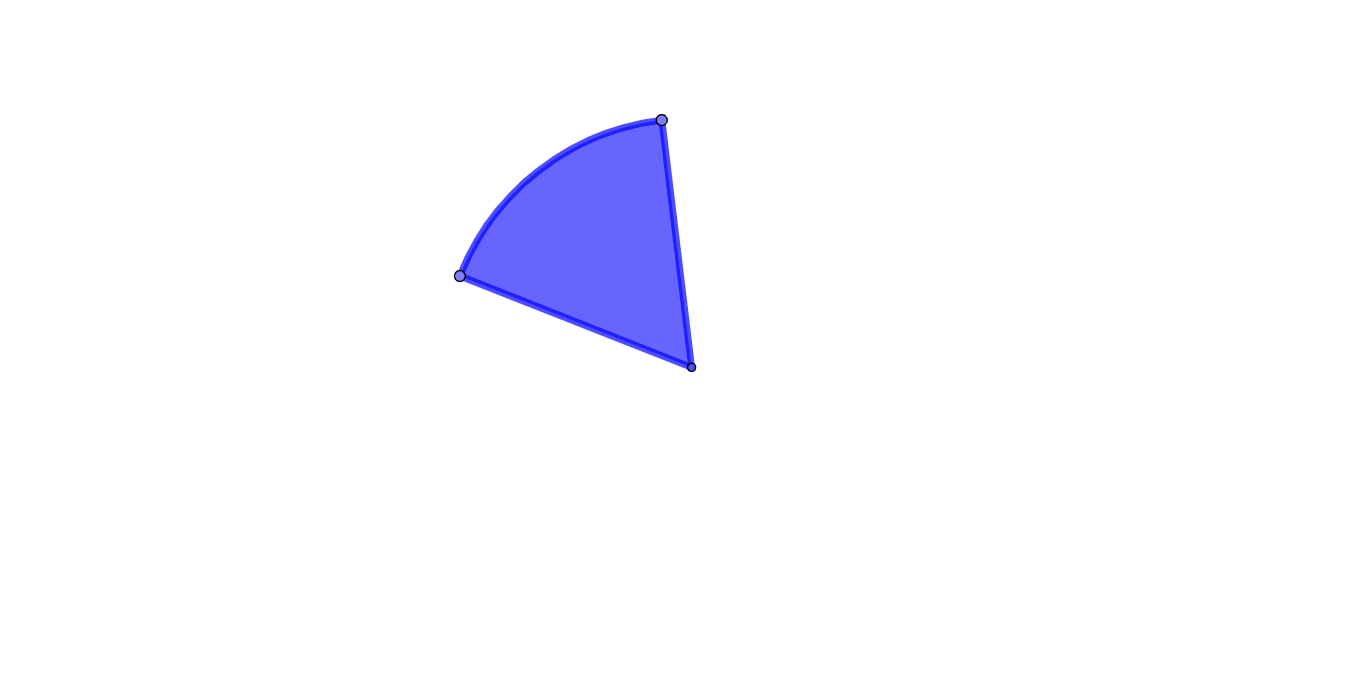
This example demonstrates the interplay between power functions and geometric construction using GeoGebra, highlighting dynamic changes in function graphs. Key mathematical concepts include power functions, set theory, statistics, and differential calculus. Construction involves commands like Circle, Point, and CircleSector to create geometric figures. Suitable for high school mathematics education to enhance spatial reasoning and understanding of function geometry.
GeoGebra Commands & Parameters
Circle(A, B) → cPoint(c) → CPoint(c) → DCircleSector(A, C, D) → d
AI Drawing Prompt Reference
Create a geometric figure: first draw a complete circle, then pick two points on its circumference. Using the center of the circle as the vertex of a sector and the two points on the circumference as its boundaries, draw a sector region. The entire figure consists of a circle with a sector inside, where the two radii of the sector connect to the points on the circle.
The prompt above was compiled from the original drawing commands and is for reference only.