
Explore GeoGebra Geometry
Loading the math board and drawing, please wait…
In collections
Learn Geometry
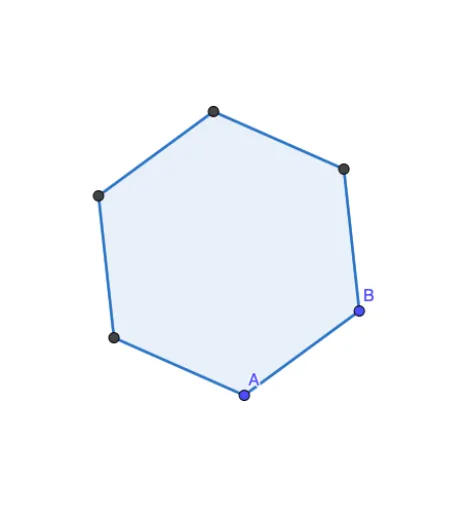
This example demonstrates the main features of GeoGebra Geometry. It shows how to use the Polygon command to draw a hexagon and construct objects A to F. The core mathematical concepts involved are polygons and geometric construction. Suitable for middle school and above students or teachers.
GeoGebra Commands & Parameters
Polygon(A, B, 6) → poly1, f, F, g, h, i, j, k, C, D, E
AI Drawing Prompt Reference
Draw a regular hexagon with two adjacent vertices as starting points, then construct the remaining four vertices counterclockwise. Fill the hexagon with a semi-transparent color, connect all sides with solid lines, and mark each vertex with a solid dot. Center the shape on the canvas, keeping all sides equal and the figure symmetric.
The prompt above was compiled from the original drawing commands and is for reference only.