
Exercise 4: Whole Numbers Gr 9
Loading the math board and drawing, please wait…
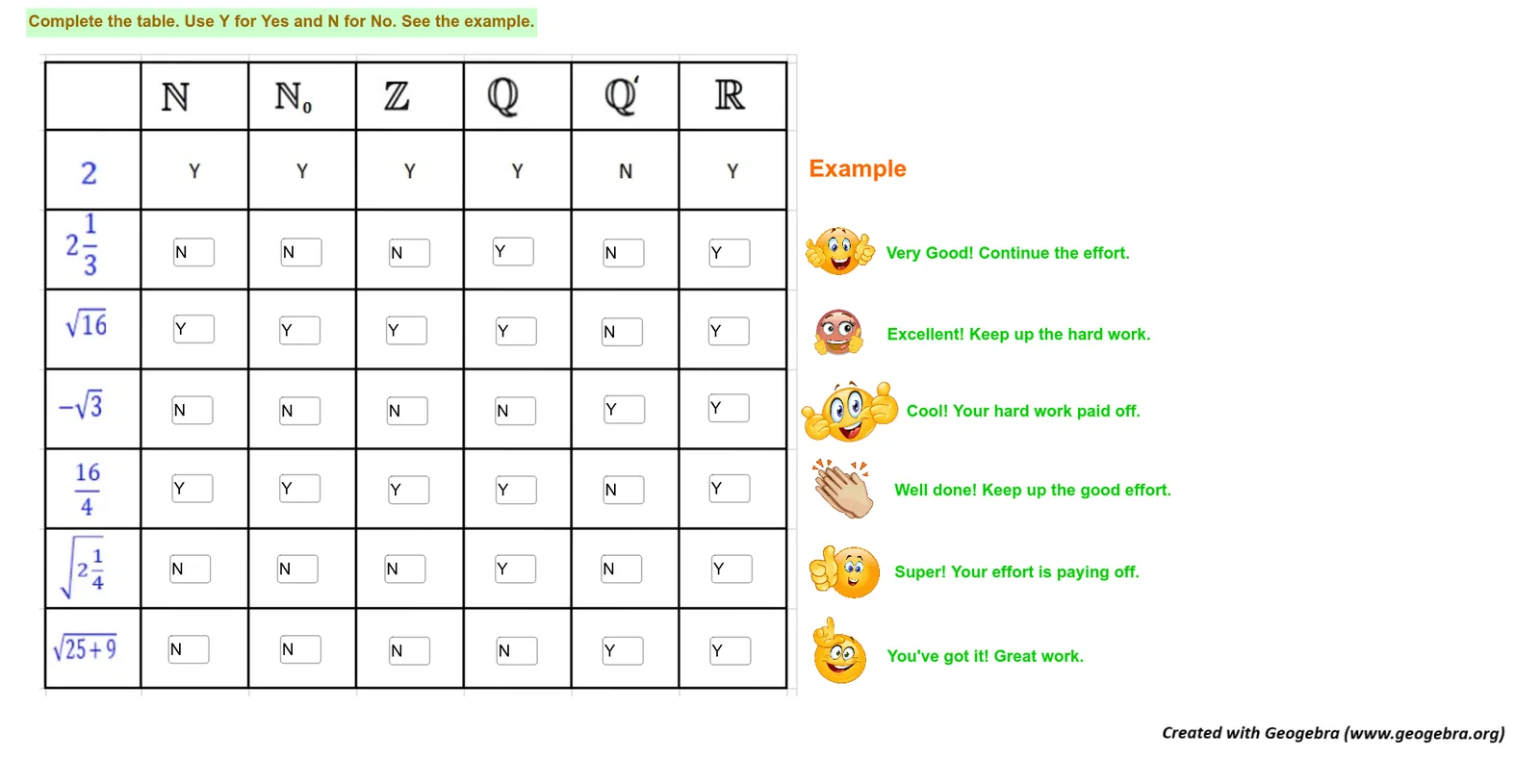
This example demonstrates classifying whole numbers through frequency distribution. Key mathematical concepts include integer classification, statistical frequency analysis, and basic classification principles. Construction involves using GeoGebra tools like Textfield and InputBox to create labels and input areas. Suitable for Grade 9 students in mathematics classes for reinforcing integer classification skills.
GeoGebra Commands & Parameters
Textfield(text9) → InputBox1Textfield(text10) → InputBox2Textfield(text11) → InputBox3Textfield(text31) → InputBox8Textfield(text19) → InputBox5Textfield(text36) → InputBox6Textfield(text65) → textfield2Textfield(text69) → textfield3Textfield(text9) → InputBox7Textfield(text47) → InputBox9Textfield(text68) → InputBox11Textfield(text56) → InputBox4Textfield(text64) → InputBox10Textfield(text82) → InputBox12Textfield(text4) → InputBox13Textfield(text7) → InputBox14Textfield(text13) → InputBox15Textfield(text16) → InputBox16Textfield(text18) → InputBox17Textfield(text22) → InputBox18Textfield(text26) → InputBox19Textfield(text28) → InputBox20Textfield(text33) → InputBox21Textfield(text34) → InputBox22Textfield(text38) → InputBox23Textfield(text45) → InputBox24Textfield(text51) → InputBox25Textfield(text53) → InputBox26Textfield(text55) → InputBox27Textfield(text59) → InputBox28Textfield(text61) → InputBox29Textfield(text72) → InputBox30Textfield(text77) → InputBox31Textfield(text79) → InputBox32Textfield(text80) → InputBox33Textfield(text81) → InputBox34Textfield(text86) → InputBox35
AI Drawing Prompt Reference
Create an interactive worksheet for grade 9 whole number classification practice. The layout includes a title area and multiple input boxes, each paired with a text label for entering or displaying integers. Arrange them in a neat grid, with labels and input boxes aligned in rows. Use a white background, black text, and bordered input boxes. Start by placing the title and instructions, then add each label-input pair sequentially, keeping consistent spacing and alignment.
The prompt above was compiled from the original drawing commands and is for reference only.