
Euclid: The Game Level 25 — Circle and Secant Geometry
Loading the math board and drawing, please wait…
In collections
Euclid: The Game
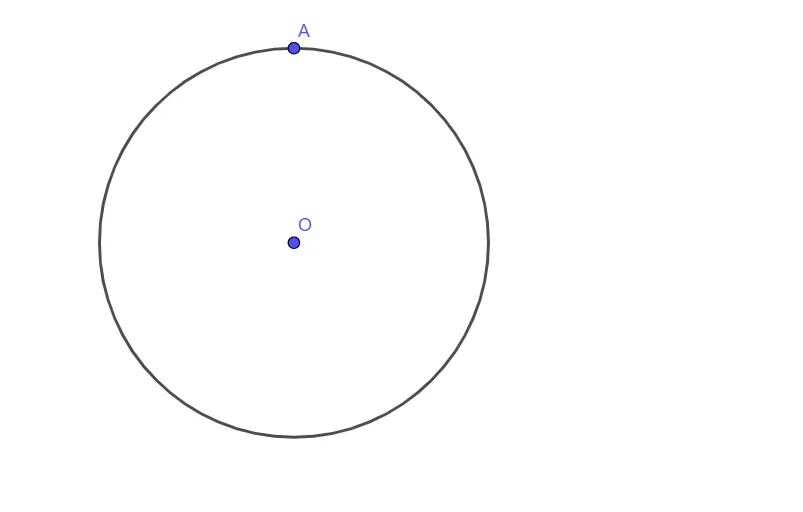
This example demonstrates how to construct a circle in an interactive Euclid-style geometry task and how such a circle can be used alongside a secant line to study circle–line position relationships. The main concepts are circle definition and construction, using a center and a reference point to determine the circle’s radius, and the geometric behavior when a secant line intersects the circle (useful for later reasoning about intersections, angles, and lengths). From the construction summary, the key GeoGebra step is creating the circle with the Circle command: it uses objects O (the circle center) and A (a point that fixes the radius or location of the circle); the resulting circle object is labeled c. With this minimal construction, learners can focus on the core workflow “center + radius-determining point → construct the circle,” then extend the setup with a secant line to explore intersection properties. Suitable for middle-school geometry practice, self-learning, and instruction on fundamental constructions involving circles.
GeoGebra Commands & Parameters
Circle(O, A) → c
AI Drawing Prompt Reference
Draw a circle with a center point and a radius determined by another point, then add a line that intersects the circle to study the relationship between the circle and the line. Focus on showing how the center, radius point, and line interact with each other.
The prompt above was compiled from the original drawing commands and is for reference only.