
Euclid: The Game — Level 21: Circle Construction & Function Intuition
Loading the math board and drawing, please wait…
In collections
Euclid: The Game
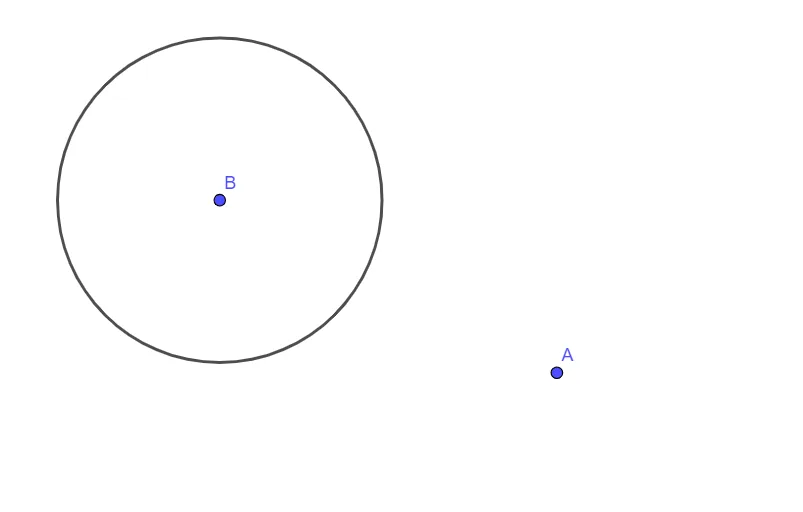
This example illustrates how Euclidean geometric construction—centered on circle relationships—can support later intuition about functional patterns and plotted relationships. It highlights core ideas such as constructing a circle from defining points, using similar-triangle reasoning to justify proportional relationships, and connecting power and logarithmic function behavior with graphing and scatter-plot style interpretation. The construction is driven by GeoGebra’s Circle command to create the circle object c based on the given points A, B, and C, reflecting a standard geometry workflow: identify key points first, then generate the circle, and finally use the constructed geometry as the visual/structural foundation for deeper function-graph understanding. Suitable for middle school through early high school, and also as an interactive lesson for students learning how geometry constructions relate to functions and graphing.
GeoGebra Commands & Parameters
Circle(B, C) → c
AI Drawing Prompt Reference
On a coordinate plane, place the key points needed to define a circle, using points B and C as the boundary-defining points. Construct a single circle determined by the relationship between B and C, and make this circle the main visible object. The scene should clearly emphasize the circle’s shape as the geometric foundation for later intuition connecting geometry with function-style graphing and scatter-plot style interpretation.
The prompt above was compiled from the original drawing commands and is for reference only.