
Euclid: The Game — Level 13 (Circle Construction)
Loading the math board and drawing, please wait…
In collections
Euclid: The Game
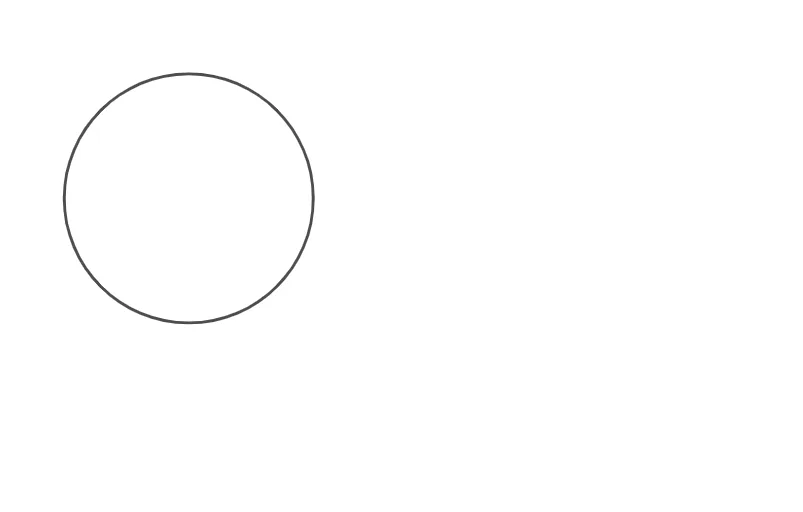
This example demonstrates a key construction step in “Euclid: The Game” Level 13 by building a circle that anchors the next geometric relationships. The core ideas include circle construction (using points as geometric anchors), symmetry/intersection-based reasoning for composing solution paths, and connections to classical results often paired with Pythagoras and trigonometric-function reasoning in the game’s later steps. From the GeoGebra construction summary, the construction relies on the GeoGebra command “Circle” and uses objects A, B, and c to define the circle (e.g., specifying the needed radius/constraint and creating the circle through the relevant configuration). It is suitable for middle and high school geometry practice, especially for students learning geometric construction, circle properties, and logic-driven problem solving in interactive environments.
GeoGebra Commands & Parameters
Circle(A, B) → c
AI Drawing Prompt Reference
Create a circle using two given points as the key geometric anchors. Use the relationship determined by those two points to fix the circle’s radius/position, then draw the circle defined by that configuration. Treat this circle as the main construction step, intended to anchor subsequent reasoning based on symmetry and intersections and to support later angle and trigonometry-related relationships in the Euclid: The Game Level 13 context.
The prompt above was compiled from the original drawing commands and is for reference only.