
Equation Solver
Loading the math board and drawing, please wait…
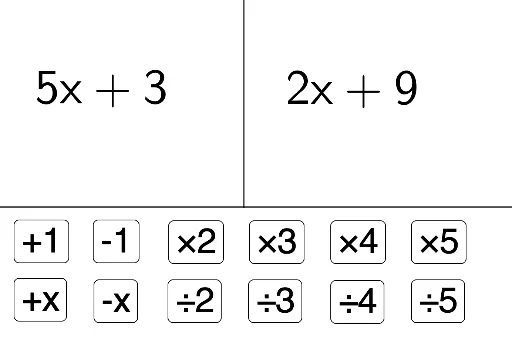
This example demonstrates how students can modify both sides of an equation and observe changes to understand its properties. Core math concepts include equation balance, variable relationships, and analytical geometry. It uses GeoGebra commands like Point, Ray, and OrthogonalLine. Suitable for middle school and above to explore the geometric and algebraic meanings of equation solutions.
GeoGebra Commands & Parameters
Point(eq1) → BRay(A, B) → fOrthogonalLine(A, eq1) → g
AI Drawing Prompt Reference
Draw a line and a perpendicular line in the coordinate system. First, set an equation and generate a point B. Then, draw a ray f starting from point A and point B. Finally, draw a perpendicular line g starting from point A.
The prompt above was compiled from the original drawing commands and is for reference only.