
Ellipse Symmetry Exercise
Loading the math board and drawing, please wait…
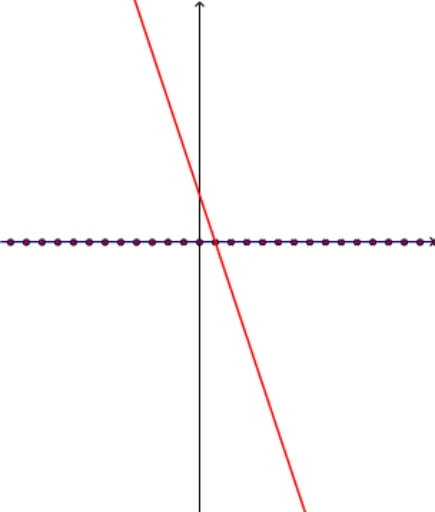
This example demonstrates the symmetry of an ellipse, involving key mathematical concepts such as ellipses, symmetry, and parametric equations. Using GeoGebra commands like Line, Sequence, and Polygon, users can dynamically adjust the parameters of the ellipse to observe changes in its symmetry.
GeoGebra Commands & Parameters
Line(B, A) → aTextfield(deltax) → InputBox1Textfield(deltay) → InputBox2Textfield(b) → InputBox3Sequence(((deltax * i), b + (deltay * i)), i, -20, 20) → list1Sequence(Segment[A + ((deltax * (i + 1)), (deltay * i)), A + ((deltax * (i + 1)), (deltay * (i + 1)))], i, -20, 20) → risesSequence(Segment[A + ((deltax * i), (deltay * i)), A + ((deltax * (i + 1)), (deltay * i))], i, -20, 20) → runsTableText({{p, k, l}, {A7, B7, C7}, {A8, B8, C8}, {A9, B9, C9}, {A10, B10, C10}, {A11, B11, C11}, {A12, B12, C12}, {A13, B13, C13}, {A14, B14, C14}, {A15, B15, C15}, {A16, B16, C16}}, "|_r") → text2Polygon(C, D, E, F) → poly1, c_1, d, e, f