
Easter Egg Travel
Loading the math board and drawing, please wait…
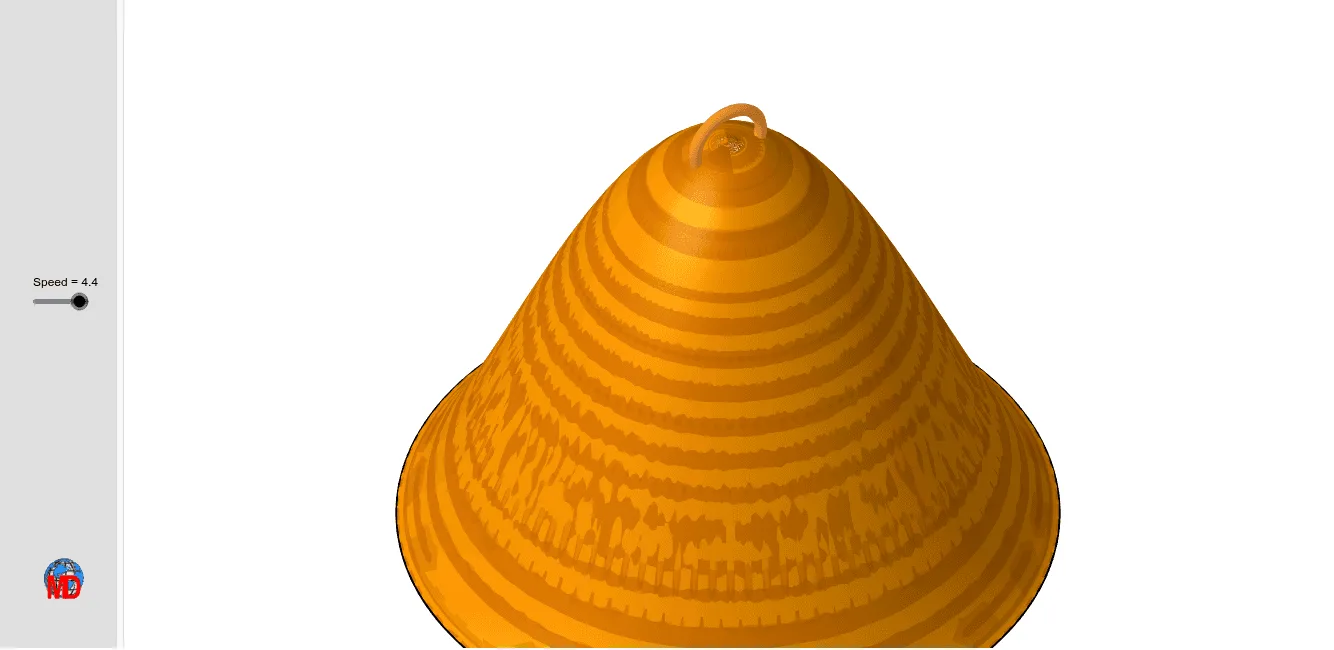
This GeoGebra example demonstrates the travel path of Easter eggs. It involves constructing surfaces and trajectories in three-dimensional space using commands like Surface, CurveCartesian, Segment, and Sphere. Suitable for high school and above students to learn solid geometry and geometric construction.
GeoGebra Commands & Parameters
Surface(x(O) + ((R * cos(u)) * cos(v)), y(O) + ((R * cos(u)) * sin(v)), z(O) + ((R * h) * sin(u)^(3)) - g, v, 0, 6.283185307179586, u, 0, 3.141592653589793) → aSurface(x(O) + ((R * cos(u)) * cos(v)), y(O) + ((R * cos(u)) * sin(v)), z(O) + ((R * h) * sin(u)^(3)) - g, v, 0, 6.28319, u, 0, 3.041592653589793) → bCurveCartesian(x(A) - (r * cos(u°)), y(A) + 0, z(A) - (r * sin(u°)), u, 160, 380) → cSegment(A, B) → dSphere(B, 0.25) → e
AI Drawing Prompt Reference
Draw an oval egg shape, then create a spiral path rising around it. Next, draw a straight line segment from a starting point to an endpoint, and place a sphere with a radius of 0.25 at the endpoint. Construct the entire figure in three-dimensional space.
The prompt above was compiled from the original drawing commands and is for reference only.