
Dynamic Measurement of a Triangle’s Three Side Lengths
Loading the math board and drawing, please wait…
In collections
P3 3S2 Making Triangles
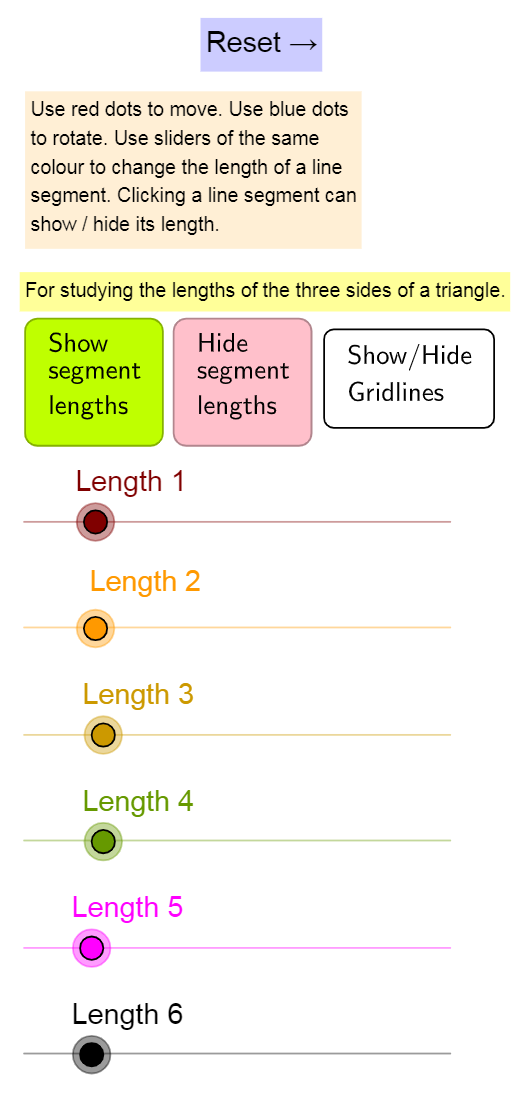
This GeoGebra example demonstrates how the three side lengths of a triangle are constructed and continuously updated in an interactive geometric setting. The key math ideas include triangle side-length measurement and geometric construction using circles and points, with the underlying connections to trigonometric relationships (sine/cosine) as implied by the construction. Construction highlights: it uses the GeoGebra commands Circle, Point, and Segment to build multiple circles (e.g., C1/C4/R1/R2/R3 and radius-like parameters such as r1/r2/r3) and to place key points (B1, B2, B3 and corresponding T-side related points). Triangle sides are formed as segments (TSide1, TSide2, TSide3, etc.), while lengths are displayed through measurement/show controls (ShowLength, ShowLength1, ShowLength2, ShowLength3, and related UI buttons like buttonShowLength). The example also includes visual aids such as grid display (ShowSqGrid) and instruction text elements (textInstruction1/textInstruction2). Suitable for middle-school to early high-school geometry learning, dynamic geometry exploration, and trigonometry-linked classroom demonstrations.
GeoGebra Commands & Parameters
Circle(R1, ceil(r1)) → C1Point(C1) → B1Segment(R1, B1) → TSide1Circle(R2, ceil(r2)) → c2Point(c2) → B2Segment(R2, B2) → TSide2Circle(R3, ceil(r3)) → c3Point(c3) → B3Segment(R3, B3) → TSide3Circle(R4, ceil(r4)) → C4Point(C4) → B4Segment(R4, B4) → TSide4Circle(R5, ceil(r5)) → C5Point(C5) → B5Segment(R5, B5) → TSide5Circle(R6, ceil(r6)) → C6Point(C6) → B6Segment(R6, B6) → TSide6
AI Drawing Prompt Reference
Create a dynamic geometric figure with six separate circles, each having a point on its circumference and a segment from the center to that point, forming six radius segments of varying lengths. These segments can represent triangle sides, and by adjusting circle radii and point positions, the three side lengths of a triangle change dynamically. Include clear circles, points, segments, and display side length values, with options to toggle a grid background and show instructional text, suitable for exploring relationships between triangle sides and trigonometric functions.
The prompt above was compiled from the original drawing commands and is for reference only.