
Drawing Quadrilateral Using Play Button
Loading the math board and drawing, please wait…
In collections
animation Constructions
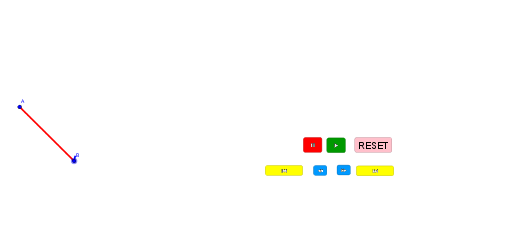
This example demonstrates how to dynamically construct a quadrilateral using the Play Button in GeoGebra. It involves core mathematical concepts such as polygon construction, geometric transformations, and animation. Key GeoGebra commands used include Dilate, Segment, and Polygon, with objects like A, B, C, D, a, A', f, B', g, C', h, D', i, poly1, a_1, b, c, d. It is suitable for middle school students and above learning polygon construction and geometric animations, as well as for mathematical teaching demonstrations.
GeoGebra Commands & Parameters
Dilate(A, If[0 < a ≤ 1, 1 - a, 0], B) → A'Segment(A, A') → fDilate(B, If[1 < a ≤ 2, 2 - a, 0], C) → B'Segment(B, B') → gDilate(C, If[2 < a ≤ 3, 3 - a, 0], D) → C'Segment(C, C') → hDilate(D, If[3 < a ≤ 4, 4 - a, 0], A) → D'Segment(D, D') → iPolygon(A, B, C, D) → poly1, a_1, b, c, d
AI Drawing Prompt Reference
Draw a dynamically changing quadrilateral by successively scaling and connecting four points, showing the process from four vertices, each vertex is scaled according to specific rules and connected to form a quadrilateral, finally connecting the four vertices to form a complete quadrilateral, the entire process is dynamically demonstrated through animation.
The prompt above was compiled from the original drawing commands and is for reference only.