
Draw Three Overlapping Circles
Loading the math board and drawing, please wait…
In collections
The Right Tool - games (Introduction to Constructions)
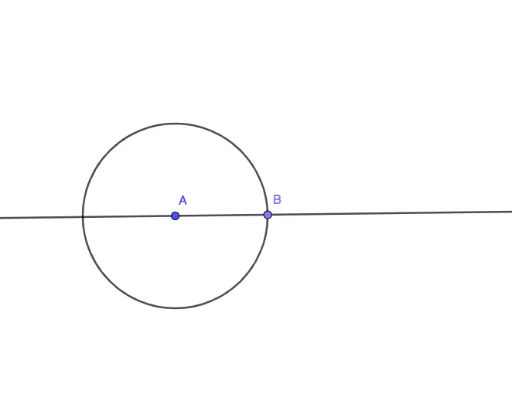
① This example demonstrates how to construct three mutually overlapping circles in GeoGebra, visualizing their intersection regions and positional relationships. ② Core mathematical concepts include the definition of circles, set intersection and union, and relative positions of circles (disjoint, tangent, intersecting). ③ Construction highlights: from the summary, the Circle command creates the three circles, Point marks centers or intersection points, and Segment/Line are used for auxiliary connections; objects include A, c, B, f, d, g, illustrating a basic geometric construction workflow. ④ Suitable for middle/high school geometry lessons or introductory set theory, helping students intuitively grasp overlapping circle relationships and set operations, and also useful for Venn diagram demonstrations in probability and statistics.
GeoGebra Commands & Parameters
Circle(A, 5) → cPoint(c) → BSegment(A, B) → fCircle(A, B) → dLine(A, B) → g
AI Drawing Prompt Reference
Draw three overlapping circles to illustrate their intersection regions and relative positions, including disjoint, tangent, and intersecting scenarios. Start by drawing a circle, then mark its center as a point, connect the center to form a segment, use this segment as the radius to draw another circle, and finally draw auxiliary lines connecting the centers to clearly show the overlapping parts and overall relationship of the three circles.
The prompt above was compiled from the original drawing commands and is for reference only.