
Double Reflection over Intersecting Lines by Katie Drach
Loading the math board and drawing, please wait…
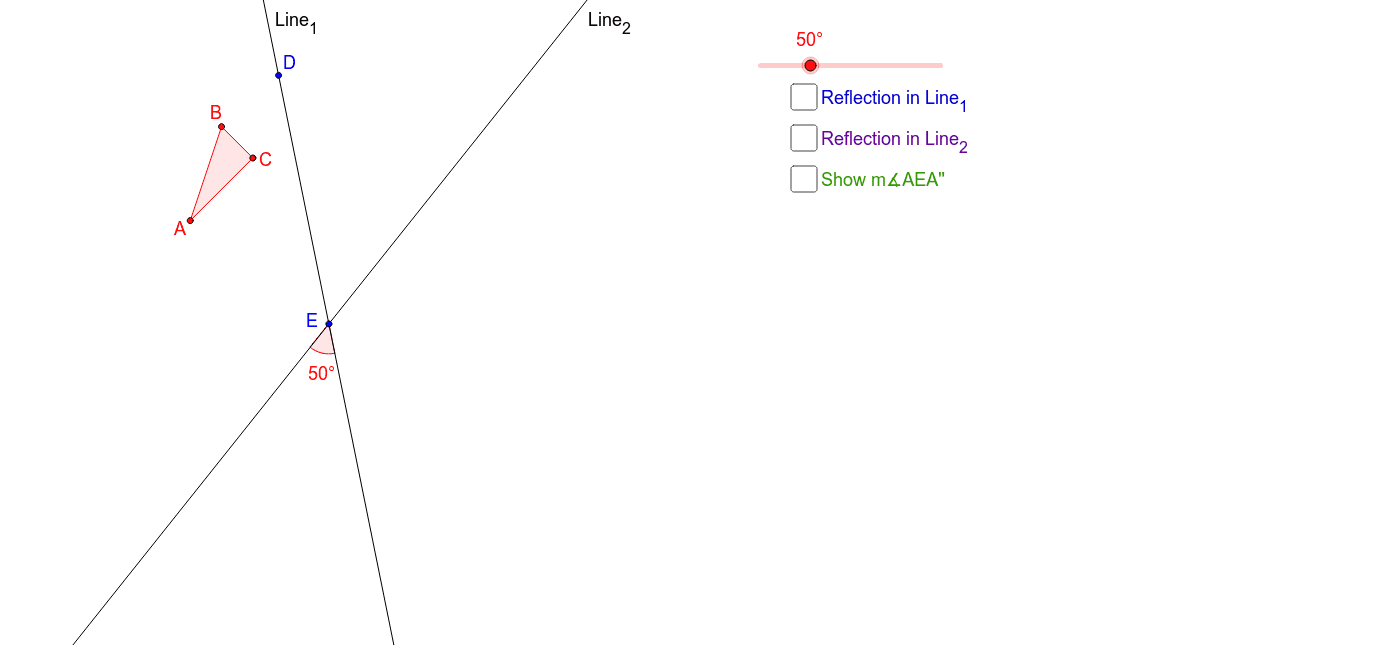
This example demonstrates the investigation of rotation angles through double reflection over intersecting lines. Core mathematical concepts include reflection, rotation, and angle calculation. Construction highlights the use of GeoGebra commands and objects such as Polygon, Line, Rotate, Mirror, Angle, and Segment. Suitable for high school students studying geometric transformations and rotation properties.
GeoGebra Commands & Parameters
Polygon(A, B, C) → poly1, c, a, bLine(D, E) → Line_1Rotate(Line_1, (-α), E) → Line_2Mirror(A, Line_1) → A'Mirror(B, Line_1) → B'Mirror(C, Line_1) → C'Polygon(A', B', C') → poly1', c', a', b'Mirror(A', Line_2) → A''Mirror(B', Line_2) → B''Mirror(C', Line_2) → C''Polygon(A'', B'', C'') → poly1'', c'', a'', b''Angle(Line_2, Line_1) → βAngle(A'', E, A) → γSegment(E, A'') → eSegment(E, A) → f
AI Drawing Prompt Reference
Draw a triangle and two intersecting lines. Reflect the triangle over one line to get a new triangle, then reflect the new triangle over the other line to get the final triangle. Measure the angle between the two reflection lines and the angle between the final triangle's vertex and the initial vertex when connected to the intersection point of the lines. Also, draw line segments connecting the intersection point to the vertices of the final triangle.
The prompt above was compiled from the original drawing commands and is for reference only.