
Double Reflection of Parallel Lines
Loading the math board and drawing, please wait…
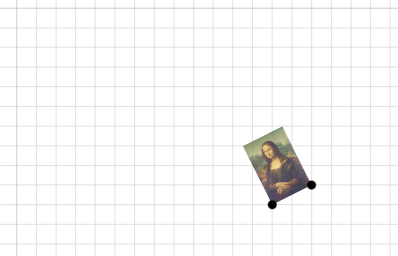
This example demonstrates the transformation of a figure after two reflections across parallel lines. Key mathematical concepts include reflection transformations, coordinate geometry, and vector operations. Construction involves using GeoGebra commands like Vector, Translate, Rotate, and CircleArc to locate reflection points, determine transformation centers, and draw the final graph. Suitable for middle school to high school students learning geometric transformations, or for educational demonstrations and homework assistance.
GeoGebra Commands & Parameters
Vector(D, E) → uTranslate(pic1, u) → pic1'Translate(B, u) → B'_{4}Translate(C, u) → C'_{4}Vector(B, B'_{4}) → vRotate(C, δ, A) → C'_1CircleArc(A, C'_1, C) → cCircleArc(A, C, C'_1) → dCircle(A, C) → eDilate(pic1, k, A) → pic1'_3Dilate(B, k, A) → B'_3Dilate(C, k, A) → C'_3Rotate(B, δ, A) → B'_1Rotate(pic1, δ, A) → pic1'_1Circle(A, C) → pCircleArc(A, C'_1, C) → rTextfield(δ) → InputBox1Textfield(k) → InputBox2Intersect(q, eq1) → H
AI Drawing Prompt Reference
Draw two parallel lines and take two points on one of the lines. Reflect these points across the other line to get two new points. Connect these new points to the origin to form a rotated shape. Then, scale this shape from the origin by a certain factor and draw the scaled shape. Finally, connect the scaled shape to the reflected points to complete the figure.
The prompt above was compiled from the original drawing commands and is for reference only.