
Dot Product and Angle Between Two Vectors
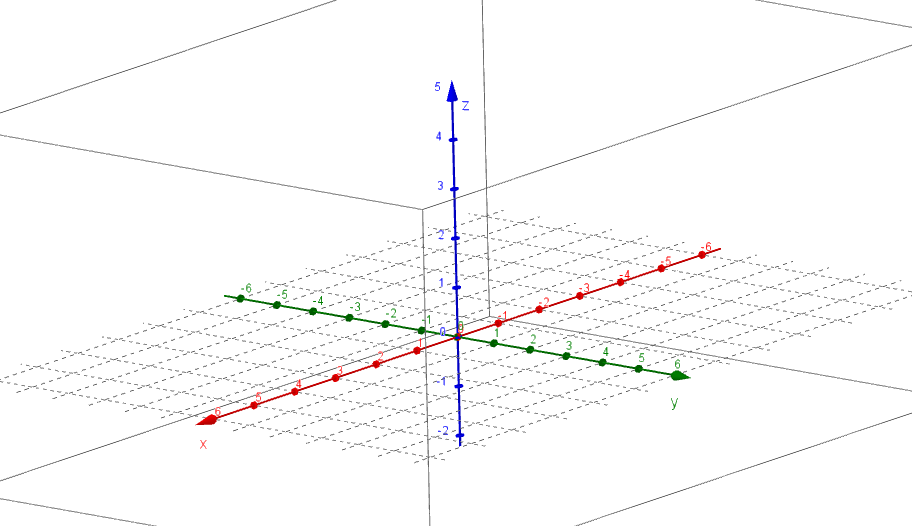
Loading the math board and drawing, please wait…
This GeoGebra example visualizes the dot product and the angle between two vectors in a dynamic, interactive way. The central mathematical concept is the dot product definition: a·b = |a||b|cosθ, and the derived formula for the angle: θ = arccos((a·b)/(|a||b|)). The construction uses commands such as Midpoint to create midpoints, Textfield for input boxes to change vector coordinates, UnitVector to obtain unit vectors, OrthogonalPlane and OrthogonalVector to build orthogonal planes and vectors, and Angle to measure the angle directly. Key objects include points A, B, C, vectors p, q, d, input boxes (InputBox1-3), and multiple text labels (text1-8). By adjusting the vector components through sliders or input fields, learners can observe how the dot product value and the angle change in real time. This resource is ideal for high school or undergraduate courses in linear algebra or analytic geometry, helping students grasp the geometric interpretation of vector operations. It also serves as an effective tool for classroom demonstrations or independent exploration.
GeoGebra Commands & Parameters
Midpoint(A, B) → CTextfield(A) → InputBox1Textfield(B) → InputBox2Textfield(E) → InputBox3UnitVector(e) → uOrthogonalPlane((0, 0, 0), Vector[p ⊗ q]) → kOrthogonalVector(k) → wAngle(p, n) → αAngle(q, n) → βAngle(xAxis, yAxis, space) → δAngle(p, q) → γ