
Intersection and Angle Between Two Lines by Angateeah
Loading the math board and drawing, please wait…
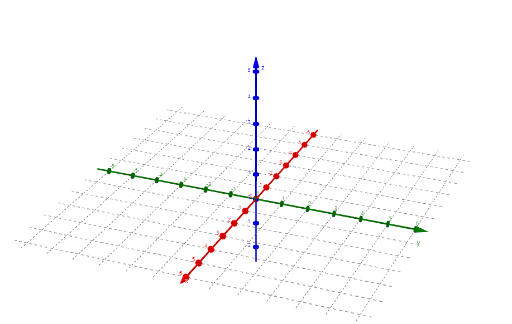
This example demonstrates how to use GeoGebra to draw two lines and find their intersection point and angle. Key mathematical concepts include the intersection of lines and angles. Using commands like Line, Intersect, and Angle, you can easily construct and adjust the positions of the two lines. Suitable for students at the junior high school level and above, focusing on coordinate geometry.
GeoGebra Commands & Parameters
Textfield(A) → InputBox1Textfield(B) → InputBox2Textfield() → InputBox3Textfield(C) → InputBox4Textfield(D) → InputBox5Textfield(A) → InputBox6Textfield(B) → InputBox7Line(A, A2) → L_1Textfield(A) → InputBox8Textfield(B) → InputBox9Line(C, C2) → L_2Angle(b, d) → βIntersect(L_1, L_2) → E