
Dilation Properties
Loading the math board and drawing, please wait…
In collections
Investigating Dilation
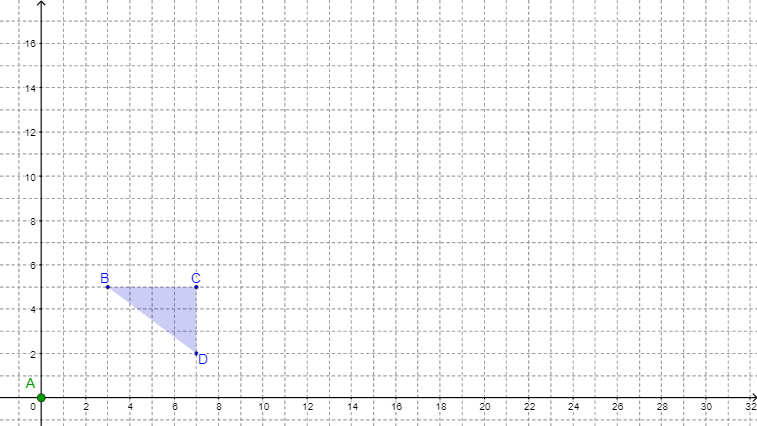
This applet dynamically demonstrates the basic properties of dilation. Key mathematical concepts include similarity transformation and parallelograms. Using GeoGebra commands such as Polygon, Dilate, Ray, etc., students can observe and explore the effects of dilation on geometric figures. Suitable for middle school and above students learning geometric transformations.
GeoGebra Commands & Parameters
Polygon(A, B, C) → poly1, c, a, bDilate(A, Scale, D) → A'Dilate(B, Scale, D) → B'Dilate(C, Scale, D) → C'Polygon(A', B', C') → poly1', c', a', b'Ray(D, A') → dRay(D, C') → eRay(D, B') → fSegment(D, A) → DASegment(D, C) → DCSegment(D, B) → DBSegment(D, A') → DA'Segment(D, C') → DC'Segment(D, B') → DB'Segment(A, A') → AA'Segment(C, C') → CC'Segment(B, B') → BB'FractionText(Scale) → FractionScaleFractionText(DATenth) → DAFractionFractionText(DBTenth) → DBFractionFractionText(DCTenth) → DCFractionFractionText(DA'Tenth) → DA'FractionFractionText(DB'Tenth) → DB'FractionFractionText(DC'Tenth) → DC'FractionDenominator(Scale) → ScaleDenomNumerator(Scale) → ScaleNumerAngle(B, A, C) → αAngle(B', A', C') → βAngle(C', B', A') → γAngle(C, B, A) → δSegment(A, A') → AA'_2
AI Drawing Prompt Reference
Draw a triangle with its vertices dilated from a center point by a scale factor, connecting the center to the dilated points with rays, and the center to the original points with segments, labeling the scale factor and angles to demonstrate similarity and dilation properties.
The prompt above was compiled from the original drawing commands and is for reference only.