
Quadratic Equation GeoGebra Demo
Loading the math board and drawing, please wait…
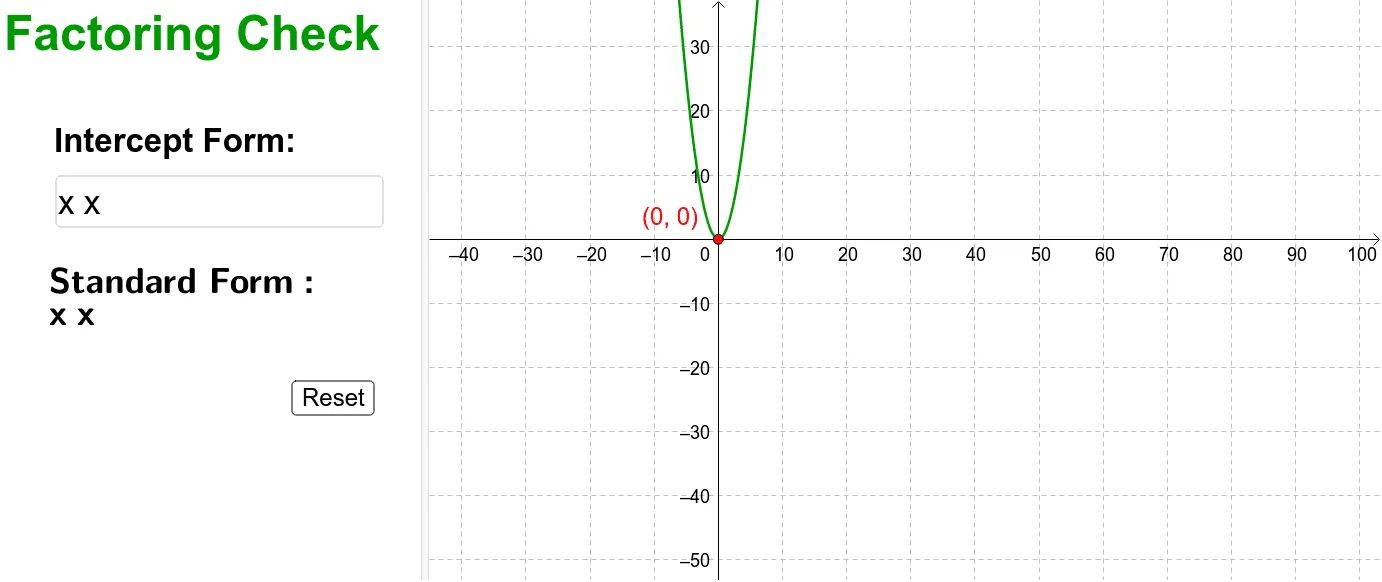
This example dynamically demonstrates the relationship between quadratic equations and their graphs using GeoGebra. It involves core math concepts like quadratic functions, graphing, intersection solving, and analytical geometry. Key GeoGebra commands and objects used include Textfield, Simplify, Intersect, f, inputBox1, c, XAxis, etc., for equation simplification and intersection calculations. Suitable for high school mathematics education to understand the geometric meaning and computational methods of quadratic equations.
GeoGebra Commands & Parameters
Textfield(f) → inputBox1Simplify(f) → cIntersect(f, XAxis) → A, B
AI Drawing Prompt Reference
Draw the graph of a quadratic function, input the function expression, simplify it to get the coefficient of the quadratic term, then find the intersection points of this quadratic function with the x-axis.
The prompt above was compiled from the original drawing commands and is for reference only.