
Derivative Product Rule Practice
Loading the math board and drawing, please wait…
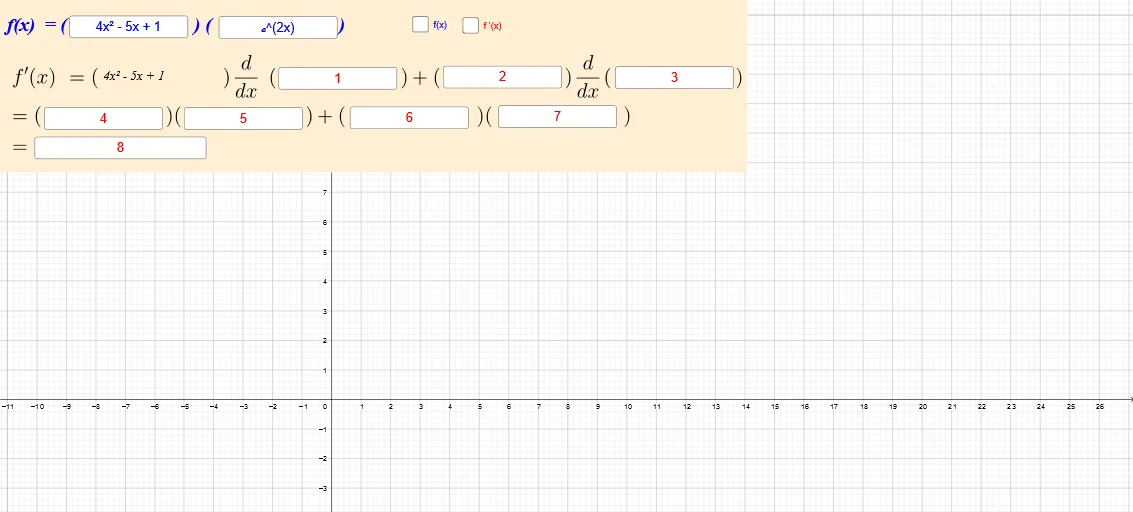
This example demonstrates the practice of the derivative product rule. Key mathematical concepts include derivatives and functions. Using GeoGebra commands like Textfield and InputBox, users can input functions and observe changes in their derivatives. Suitable for high school math education and learning derivative concepts.
GeoGebra Commands & Parameters
Textfield(g) → InputBox1Textfield(h) → InputBox2Textfield(c) → InputBox3Textfield(d) → InputBox4Textfield(i) → InputBox5Textfield(j) → InputBox6Textfield(k) → InputBox7Textfield(l) → InputBox8Textfield(m) → InputBox9Textfield(n) → InputBox10
AI Drawing Prompt Reference
Create an interactive interface for learning derivatives, featuring ten text input boxes arranged side by side for users to enter function expressions and parameter values. These input boxes are arranged horizontally or in a grid, each with a corresponding label indicating its purpose. The overall interface is clean and suitable for high school math classroom demonstrations of the derivative product rule, allowing students to input different functions into the boxes and observe changes in their derivatives.
The prompt above was compiled from the original drawing commands and is for reference only.