
Derivative Practice: Type a Function and Check Your Answer
Loading the math board and drawing, please wait…
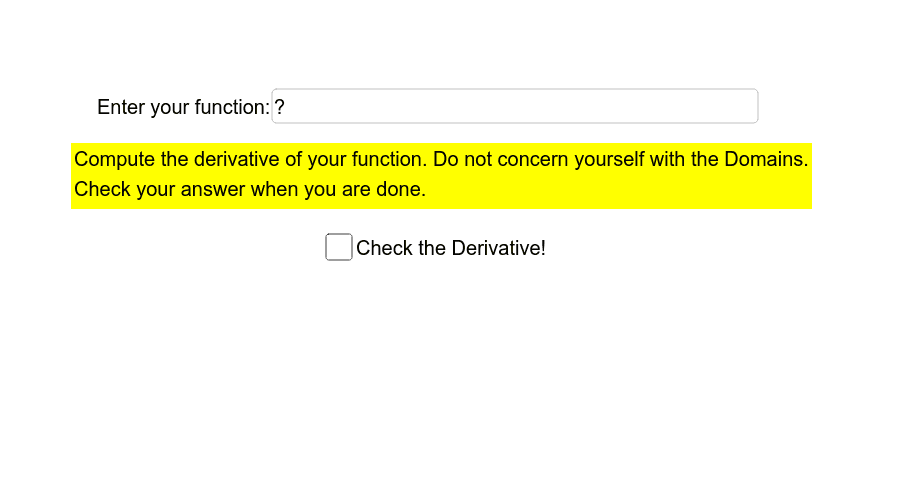
This GeoGebra example is an interactive derivative practice tool that displays an input field and corresponding function graphs. Users can type any function (without the 'y=' or 'f(x)=' prefix) into the input box, and the applet shows the graph of the original function along with its derivative, allowing users to enter their own derivative result for verification. The core mathematical concept is the definition and computation of derivatives, involving functions, tangent slopes, and the relationship between a function and its derivative. The construction uses the Textfield command to create an input box (inputBox1), defines the function f, and leverages GeoGebra's differentiation command to automatically generate the derivative f'. Text objects text1 and text2 provide prompts and feedback, while variable a may control input or display. This example is suitable for high school or early college students learning calculus, enabling self-paced practice of differentiation rules with immediate feedback to deepen understanding of derivative concepts. It also serves as an interactive tool for classroom demonstrations or independent study.
GeoGebra Commands & Parameters
Textfield(f) → inputBox1