
Definite Integration by Parts Visualization
Loading the math board and drawing, please wait…
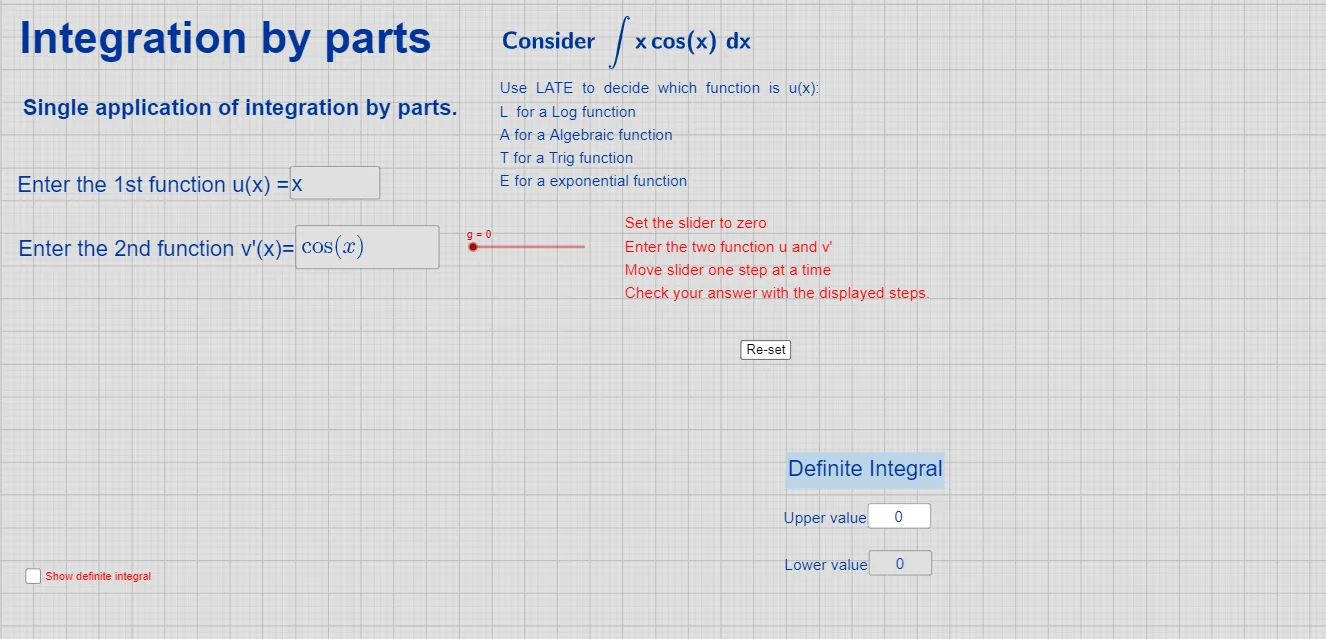
This example visualizes how the integration-by-parts formula for definite integrals is derived and transformed, making it easier to see how an original integral becomes a boundary term minus a new integral. It centers on core calculus ideas: derivative, definite integral, and the Integration by Parts (IBP) relationship, with symbolic simplification driven by interactive parameters. The construction uses input controls (Textfield and multiple InputBox objects) to define functions and constants, computes the needed expressions with Integral and Derivative (objects such as u, v, w, f, I, J, and derivatives like u′ and v′), and then applies Simplify to obtain a cleaner, verified final form. Text objects (text1–text11) are used to label intermediate steps and the final formula structure. Suitable for advanced high-school calculus preparation and undergraduate calculus instruction, especially when teaching or studying IBP in definite integrals.
GeoGebra Commands & Parameters
Textfield(u) → InputBox1Integral(v') → vDerivative(u) → u'Textfield(v') → InputBox2Integral(w) → a_1Simplify((u(x) * v(x)) - Integral[(u'(x) * v(x))]) → JSimplify(Integral[v']) → kTextfield(d) → InputBox3Textfield(c) → InputBox4
AI Drawing Prompt Reference
Draw a visualization showing the derivation of the integration by parts formula. The graph should include functions u, v, w, derivatives u' and v', integrals v' and w, and boundary terms and new integrals. Text labels mark intermediate steps and the final formula structure. The construction order: define functions, compute derivatives and integrals, apply simplification to get the final form.
The prompt above was compiled from the original drawing commands and is for reference only.