
Cuboid in Cavalier Projection Demo
Loading the math board and drawing, please wait…
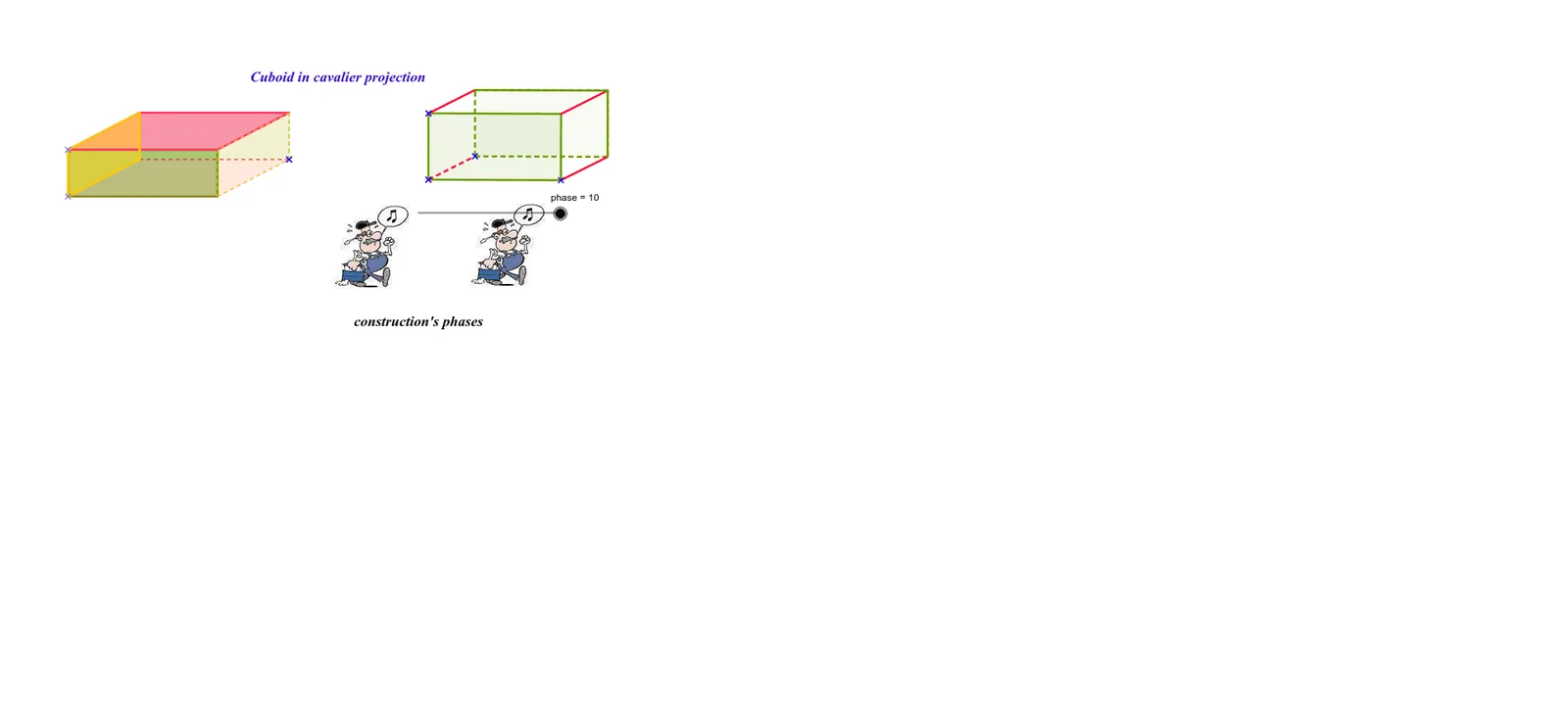
This example demonstrates the transformation of a cuboid from 3D to 2D under Cavalier projection, illustrating key mathematical concepts such as solid geometry, projection transformations, vector operations, and coordinate geometry. The construction utilizes GeoGebra commands like Intersect, OrthogonalLine, Point, Polygon, Segment, and Vector to create and analyze the geometric relationships. It is suitable for high school and advanced students studying spatial geometry, projection transformations, and 3D modeling, as well as for visualizing integral regions in calculus.
GeoGebra Commands & Parameters
Intersect(xAxis, yAxis) → AOrthogonalLine(A, yAxis) → aPoint(a) → BOrthogonalLine(B, xAxis) → bPoint(b) → CPolygon(A, B, C, D) → poly1, a_1, b_1, c, dPolygon(E, F, G, H) → poly2, e, f, g, hPolygon(D, C, G, H) → poly3, d_1, c_1, g_1, h_1Polygon(A, E, F, B) → poly4, a_2, e_1, f_1, b_2Polygon(B, F, G, C) → poly5, b_3, f_2, g_2, c_2Polygon(A, E, H, D) → poly6, a_3, e_2, h_2, d_2Polygon(M, L, I, J) → poly7, m, l, i, jPolygon(N, O, P, K) → poly8, n, o, p, kIntersect(n, k) → QSegment(L, Q) → qIntersect(m, j) → RIntersect(n, o) → SSegment(R, S) → rSegment(I, K) → sIntersect(o, p) → TSegment(J, T) → tPoint(n) → UPoint(n) → VSegment(V, U) → a1Segment(O, P) → b1Vector(W, Z) → vVector(W, A1) → wVector(W, B1) → zVector(W, C1) → u1Vector(W, D1) → v1Vector(W, E1) → w1Vector(W, F1) → z1Vector(W, G1) → c1Vector(W, H1) → d1
AI Drawing Prompt Reference
Draw a 2D transformation diagram of a cuboid under oblique projection, showing the conversion from 3D to 2D, including coordinate axes, intersection points, orthogonal lines, and points, with polygons combined to form the faces of the cuboid, and label key points and vectors to illustrate concepts like solid geometry, projection transformations, vector operations, and coordinate geometry.
The prompt above was compiled from the original drawing commands and is for reference only.