
Fraction Addition Demo by Panpan1663
Loading the math board and drawing, please wait…
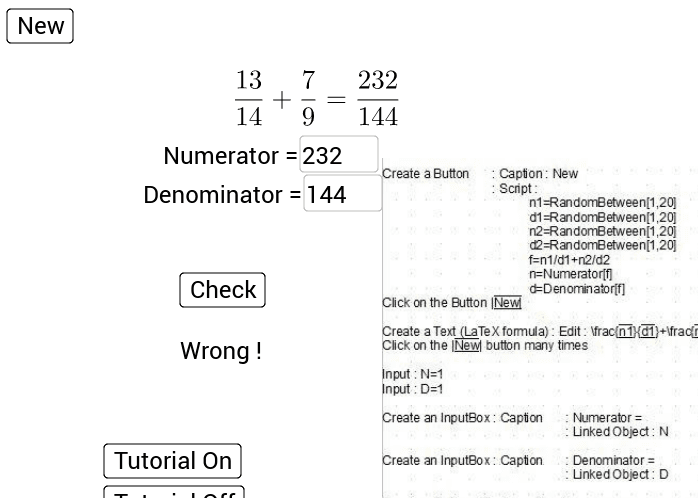
This example demonstrates the calculation process and visualization of fraction addition, involving core math concepts like fraction operations, percentage conversion, differential calculus, squares, piecewise functions, and tree diagrams. It uses GeoGebra commands such as Random, Numerator, Denominator, Textfield, If, along with objects like button1, n1, d1, n2, d2, f, n, d, N, D, InputBox1, InputBox2, button2, a, text2, text3, text4, text1, A, pic1, b, button3, button4, B. Suitable for high school mathematics teaching or self-learning to understand fraction operations and function graphs.
GeoGebra Commands & Parameters
Random(1, 20) → n1Random(1, 20) → d1Random(1, 20) → n2Random(1, 20) → d2Numerator(f) → nDenominator(f) → dTextfield(N) → InputBox1Textfield(D) → InputBox2If(N / D ≟ f, If[N ≟ n, 2, 1], 0) → a
AI Drawing Prompt Reference
Visualize the calculation process and demonstration of fraction addition, including generating two random fractions, simplifying them, converting to decimals and percentages, and displaying the numerators and denominators. Use buttons to control the generation and calculation of fractions, and text fields to show the values and results of the fractions, suitable for teaching or self-learning to understand fraction operations and function graphs.
The prompt above was compiled from the original drawing commands and is for reference only.