
Cubes of Numbers Using Visual Models
Loading the math board and drawing, please wait…
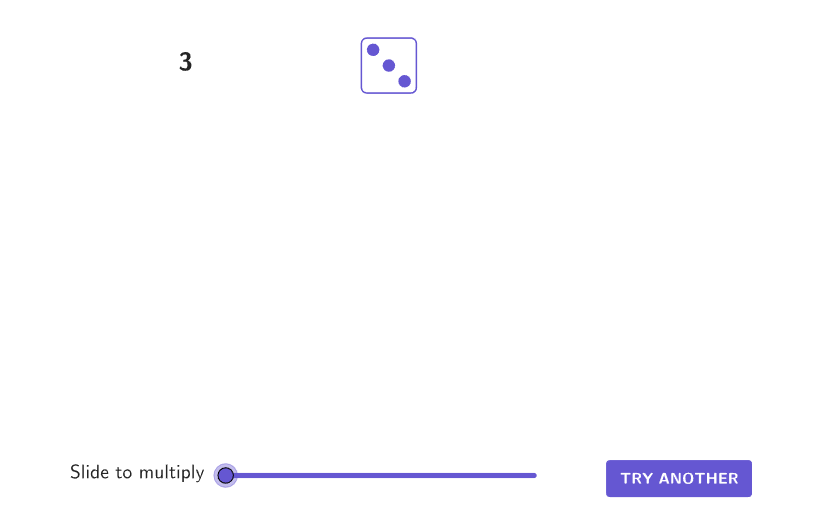
This example demonstrates the concept of cubes through geometric models. Key mathematical concepts include cubes and cube roots. Construction involves GeoGebra commands like Shuffle, Element, and Sequence to create dot arrays and cubes. Suitable for middle school students in grades 6-8 for mathematical exploration and classroom use.
GeoGebra Commands & Parameters
Shuffle({1, 2, 3, 4, 5, 6}) → randomDots, {4, 6, 5, 3, 1, 2}Element(randomDots, Mod[countQuestion, Length[randomDots]] + 1) → numAIf(done, Element[{dice1Correct, dice2Correct, dice3Correct, dice4Correct, dice5Correct, dice6Correct}, numA], Element[{dice1, dice2, dice3, dice4, dice5, dice6}, numA]) → currentPicCorner(5) → layoutAppSizeIf(slideMaster ≤ numA, textEqn1, If[slideMaster < (2 * numA), textEqn2, textEqn3]) → currentTextIf(slideMaster < numA, slideMaster, numA) → timer1Sequence(Translate[currentPic, ((A * pointWidth), 0)], A, 0, timer1 - 1) → row1Sequence(Translate[row1, (0, ((-B) * pointWidth))], B, 0, slideMaster - numA - 1) → rowsElement({105, 50, 115, 180, 245, 310}, numA) → layoutCubed
AI Drawing Prompt Reference
Create a visual number-cube model. Generate a random set of dot markers representing values from 1 to 6, then select one current value and display it using the corresponding dice-style dot count. Use a square-style canvas layout and include brief text that changes according to the selected value (for a stepped timing/condition effect). Next, translate the dot arrangement horizontally to form a row of repeated groups, then translate that row vertically to create multiple rows, producing a cube-like block built from dot arrays. Finally, show a reference size value tied to the selected number to guide the overall cube scale.
The prompt above was compiled from the original drawing commands and is for reference only.