
Cross Sections of a Triangular Prism by nandrews
Loading the math board and drawing, please wait…
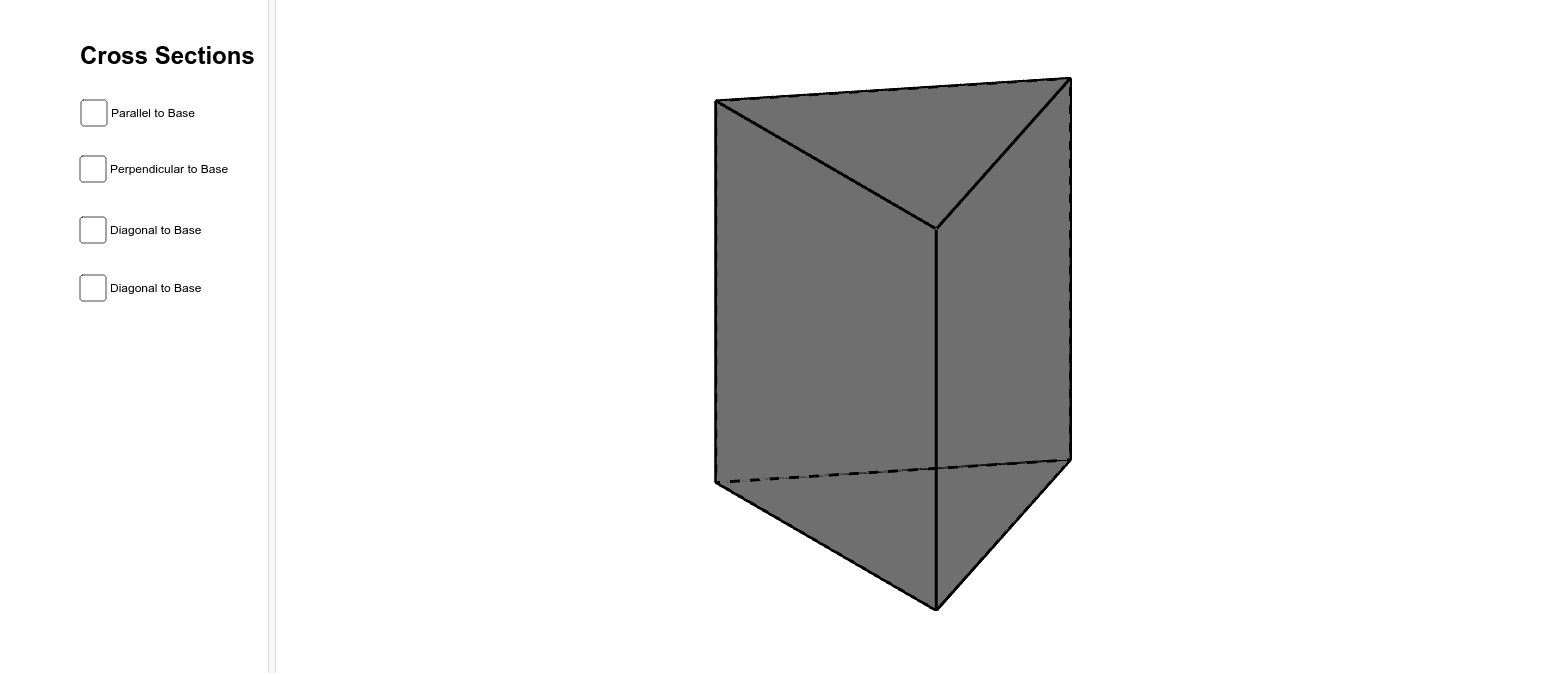
This example demonstrates the visualization of cross-sections through a triangular prism, showcasing how the shape of the cross-section changes with different cutting planes. Key math concepts include prism structure, geometric cross-sections, definite integrals, perimeter calculation, symmetry analysis, and sine functions. The construction utilizes GeoGebra commands such as Intersect, Point, Polygon, Prism, OrthogonalLine, Plane, and IntersectPath. It is suitable for high school solid geometry, introductory calculus, and mathematical modeling education, helping students understand the relationship between 3D shapes and 2D cross-sections.
GeoGebra Commands & Parameters
Intersect(xAxis, yAxis) → APoint(xAxis) → BPolygon(A, B, 3) → poly1, a, b, c, CPrism(poly1, 3.596878522587578) → d, D, edgeCF, edgeDE, edgeEF, edgeDF, E, F, faceABED, faceBCFE, faceACFD, faceDEF, edgeAD, edgeBEPoint(edgeCF) → GOrthogonalLine(G, edgeBE, space) → eOrthogonalLine(G, edgeAD, space) → fIntersect(edgeBE, e) → HIntersect(edgeAD, f) → IPlane(H, G, I) → gIntersectPath(g, d) → poly2, J, K, L, h, i, jPoint(edgeDE) → MPoint(edgeDF) → NOrthogonalLine(M, a, space) → lPoint(l) → OPlane(M, N, O) → mIntersectPath(m, d) → poly3, P, Q, R, S, n, p, q, rPoint(edgeEF) → TPoint(edgeDE) → UPoint(edgeBE) → VPlane(U, T, V) → sIntersectPath(s, d) → poly4, W, Z, A_1, t, a_1, b_1Point(edgeBE) → B_1Point(edgeAD) → C_1Point(edgeCF) → D_1Plane(B_1, C_1, D_1) → vIntersectPath(v, d) → poly5, E_1, F_1, G_1, c_1, d_1, e_1