
Cross Sections of a Cone: Exploring Conic Sections Dynamically
Loading the math board and drawing, please wait…
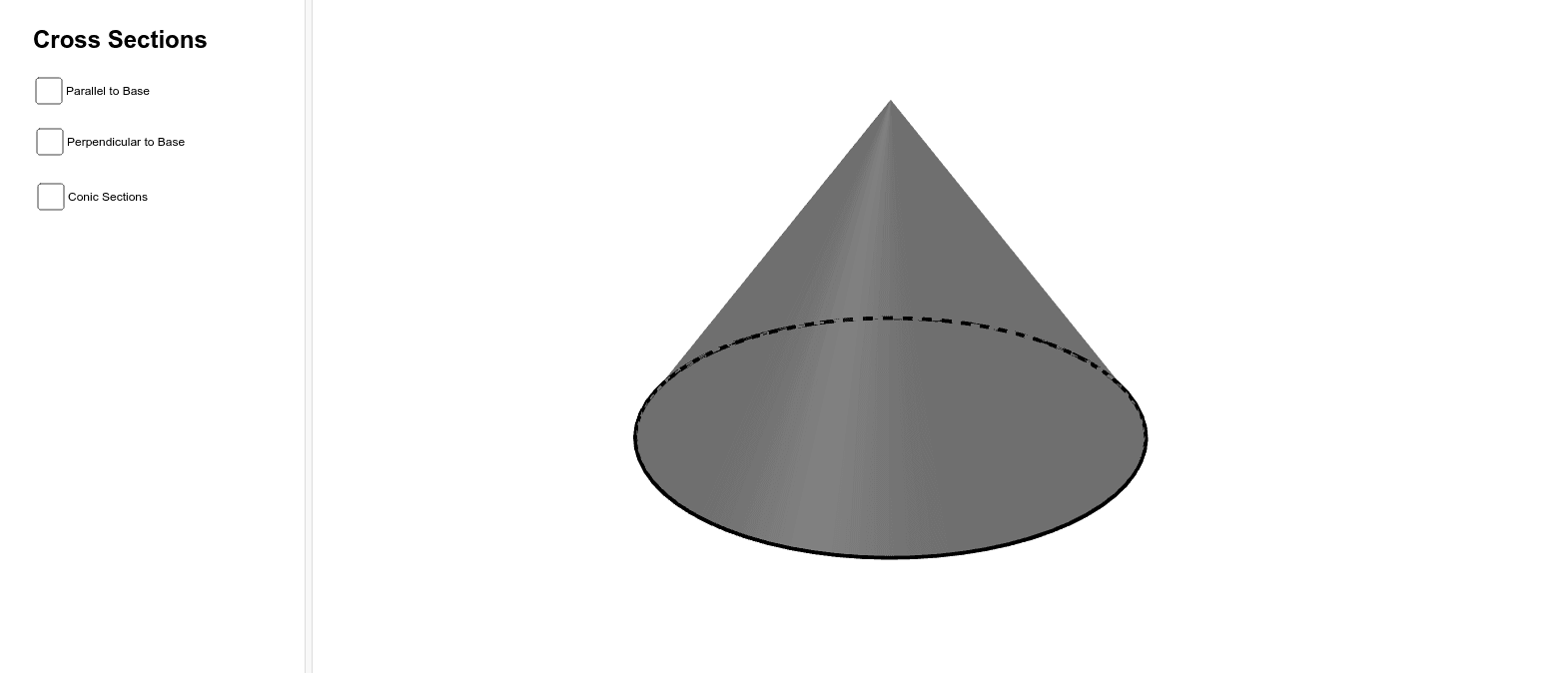
This GeoGebra example demonstrates how different planes cutting through a cone produce various cross-sectional shapes, including circles, ellipses, parabolas, and hyperbolas. It visually connects the classic conic sections to their three-dimensional geometric origins. Core mathematical concepts include solid geometry, plane-section intersections, and the definition of conic sections. The construction uses GeoGebra commands such as Point, Intersect, Circle, Cone, Segment, Plane, IntersectPath, Corner, and OrthogonalLine to build the cone, cutting plane, and intersection path. Users can manipulate the plane or use sliders to observe how the section changes continuously. This resource is ideal for high school or early college students learning about conic sections, as well as for teachers seeking an interactive visual aid for classroom demonstrations or student-led exploration.
GeoGebra Commands & Parameters
Point(yAxis) → AIntersect(xAxis, yAxis) → BCircle(B, A) → cCone(c, 6) → a, d, bPoint(d) → CSegment(C, A) → fPoint(f) → DPoint(c) → EPoint(c) → FPlane(D, F, E) → gIntersectPath(g, a) → hCorner(h) → G, H, R, SIntersect(f, d) → I,OrthogonalLine(I, d) → iPoint(i) → JIntersect(f, c, 1) → KPlane(I, K, J) → jIntersectPath(j, a) → kCorner(k) → L, M, N, OPoint(f) → PPlane(P, d) → mIntersectPath(m, a) → p
AI Drawing Prompt Reference
Draw a three-dimensional cone with a circular base on a horizontal plane and an apex above it. Place an inclined plane cutting through the cone, intersecting its lateral surface to form a cross-sectional curve. Add another plane perpendicular to the cone's axis, producing a circular section. Mark several key points on the cone's surface and near the apex, and show a line segment from the apex to the base circumference. The illustration should demonstrate how different plane orientations yield various conic sections—circles, ellipses, parabolas, or hyperbolas—with adjustable plane positions to observe changes.
The prompt above was compiled from the original drawing commands and is for reference only.