
Creating Simple Equations with Sliders
Loading the math board and drawing, please wait…
In collections
Variables, Equations
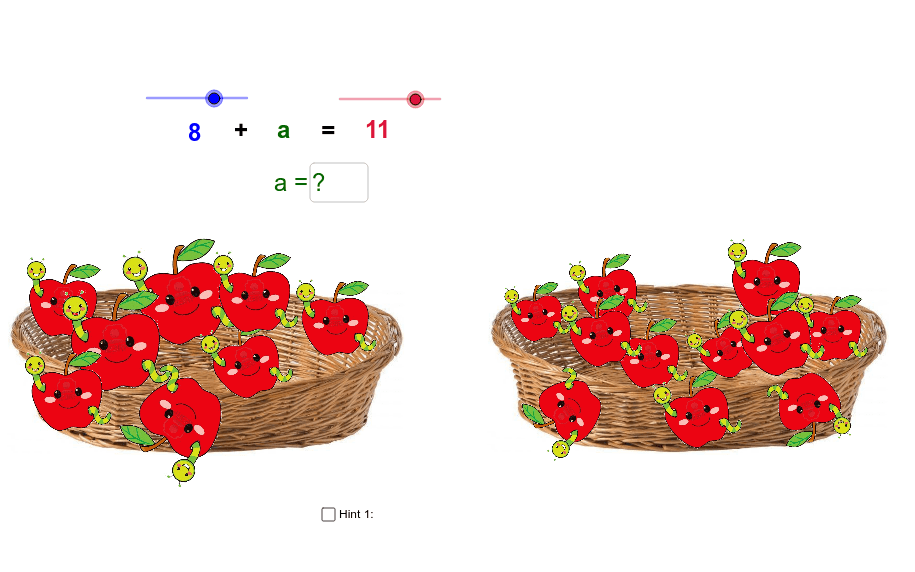
This example demonstrates how to create simple equations using sliders and how apple pictures can help find the solution. Core math concepts include linear equations and coordinate geometry. The construction utilizes GeoGebra commands and objects such as Textfield, objects B, Korb1, C, D, Korb2, k, j, text2, E, F, G, H, Apfelzwei, Apfeleins, I, J, Apfelvier, K, L, Apfelfünf, M, N, Apfelsechs, O, P, Apfeldrei, Q, R, Apfelneun, S, T, Apfelelf2, U, V, Apfelzwölf2, A_1, B_1, Apfelsieben2, W, Z. Suitable for middle school and above students learning linear equations and coordinate geometry.
GeoGebra Commands & Parameters
Textfield(i) → Textfeld1
AI Drawing Prompt Reference
Draw a simple linear equation graph with sliders, using apple images to help find the solution. First, create a text field to display the equation, then adjust the coefficients using sliders to observe changes in the graph. Finally, use apple images to mark the solution of the equation.
The prompt above was compiled from the original drawing commands and is for reference only.