
Creating 3D Surfaces of Revolution
Loading the math board and drawing, please wait…
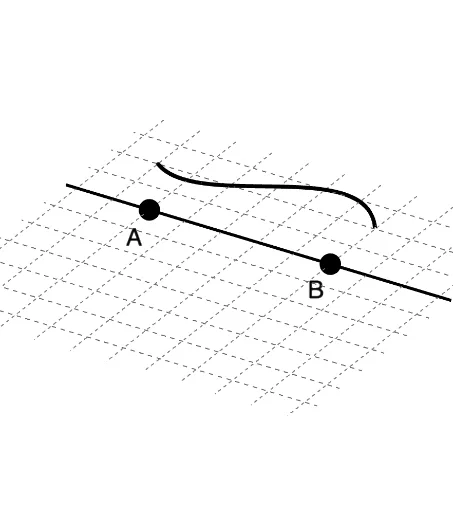
This example demonstrates how to create 3D surfaces of revolution from a modifiable cross section. It involves core mathematical concepts such as solids of revolution, cross-sections, 3D geometry, and function fitting. The construction uses GeoGebra commands like PointIn, IndexOf, FitPoly, Surface, Line, and objects including B, A, l2, c, b, d, A_1, B_1, C, D, degree, f, g, angle, a, l1, e, h, i, j, k. Suitable for high school and above students studying solid geometry and calculus.
GeoGebra Commands & Parameters
PointIn(d) → A_1PointIn(d) → B_1PointIn(d) → CPointIn(d) → DIndexOf(SelectedElement[l2], l2) → degreeFitPoly({A_1, B_1, C, D}, degree) → fSurface(g, angle, xAxis) → aSurface(g, angle, yAxis) → eLine(A, B) → hSurface(g, angle, h) → iIndexOf(SelectedElement[l1], l1) → jLine(A, B) → k