
Create Your Own Reflection
Loading the math board and drawing, please wait…
In collections
Math Coordinate Graphing/ Geometry Project
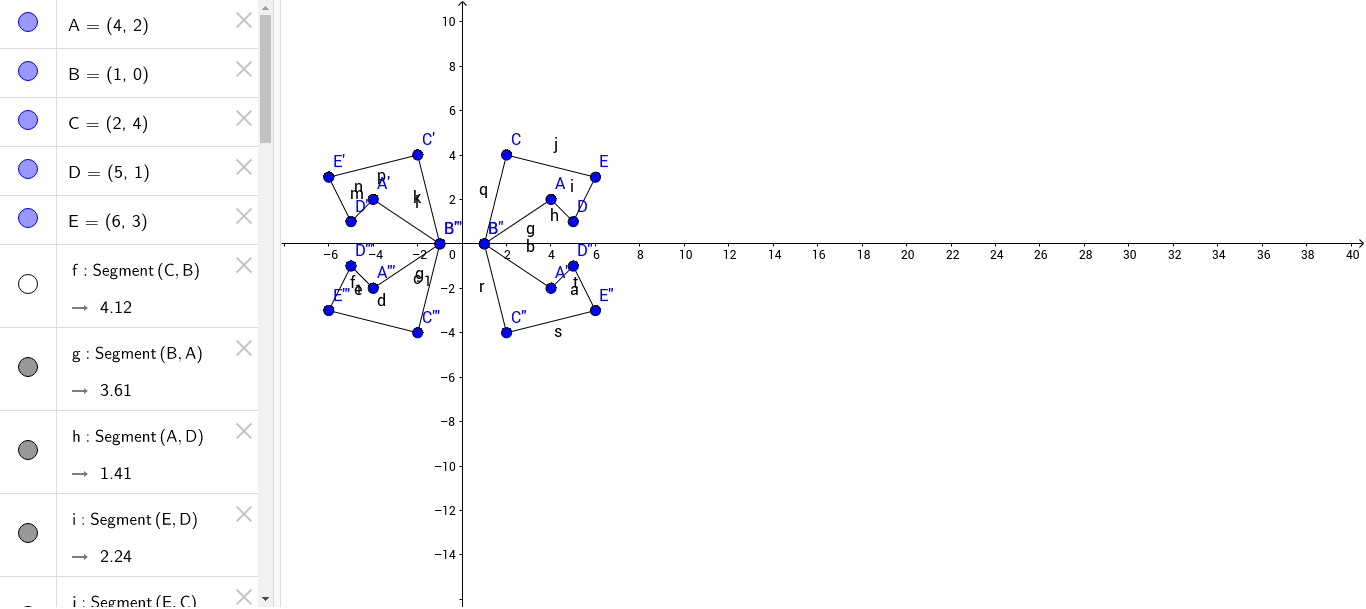
This example demonstrates how to create reflection graphics using GeoGebra. The core mathematical concept is reflection transformation. By using the Segment command, users can create segments and perform reflection operations. Suitable for middle school and above students to learn reflection transformation.
GeoGebra Commands & Parameters
Segment(C, B) → fSegment(B, A) → gSegment(A, D) → hSegment(E, D) → iSegment(E, C) → jSegment(C', B') → kSegment(B', A') → lSegment(A', D') → mSegment(D', E') → nSegment(E', C') → pSegment(C, B'') → qSegment(B'', C'') → rSegment(C'', E'') → sSegment(A'', D'') → tSegment(D'', E'') → aSegment(A'', B'') → bSegment(B''', C''') → cSegment(C''', E''') → dSegment(E''', D''') → eSegment(D''', A''') → f_1Segment(A''', B''') → g_1