
Create a Candy Bar
Loading the math board and drawing, please wait…
In collections
Candy Bars
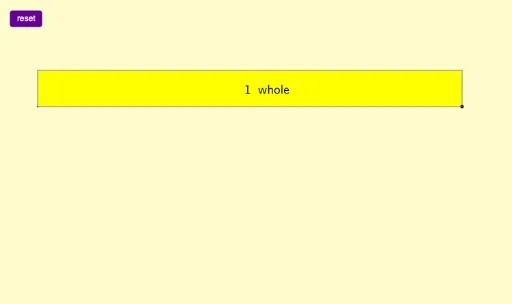
This example demonstrates how to use GeoGebra to construct the geometric shape of a candy bar. It involves core mathematical concepts such as polygon construction, text labeling, and random variables. Key GeoGebra commands and objects used include Polygon, Text, Onewhole, and various points and shapes like A, B, C, D, poly1, a, b, c, d, text1, reset, E, F, q1, f, g, h, i, G, text2. It is suitable for middle school students and above to learn geometric constructions and data analysis.
GeoGebra Commands & Parameters
Polygon(A, B, C, D) → poly1, a, b, c, dText("\frac{1}{12}", Centroid[poly1] + (-8, 0.75), true, true) → text1Onewhole(F) → q1, f, g, h, i, G, text2
AI Drawing Prompt Reference
Draw a candy bar shape. The shape is a quadrilateral with vertices A, B, C, D. There is a text label at the center showing 1/12. A circular region is placed around the shape, labeled F. The text label and circular region have a distance relationship. The construction order is to draw the quadrilateral first, then determine the center, add the text label, and finally add the circular region.
The prompt above was compiled from the original drawing commands and is for reference only.