
Copy an Angle - Unit 3 Construction
Loading the math board and drawing, please wait…
In collections
Geometry Constructions
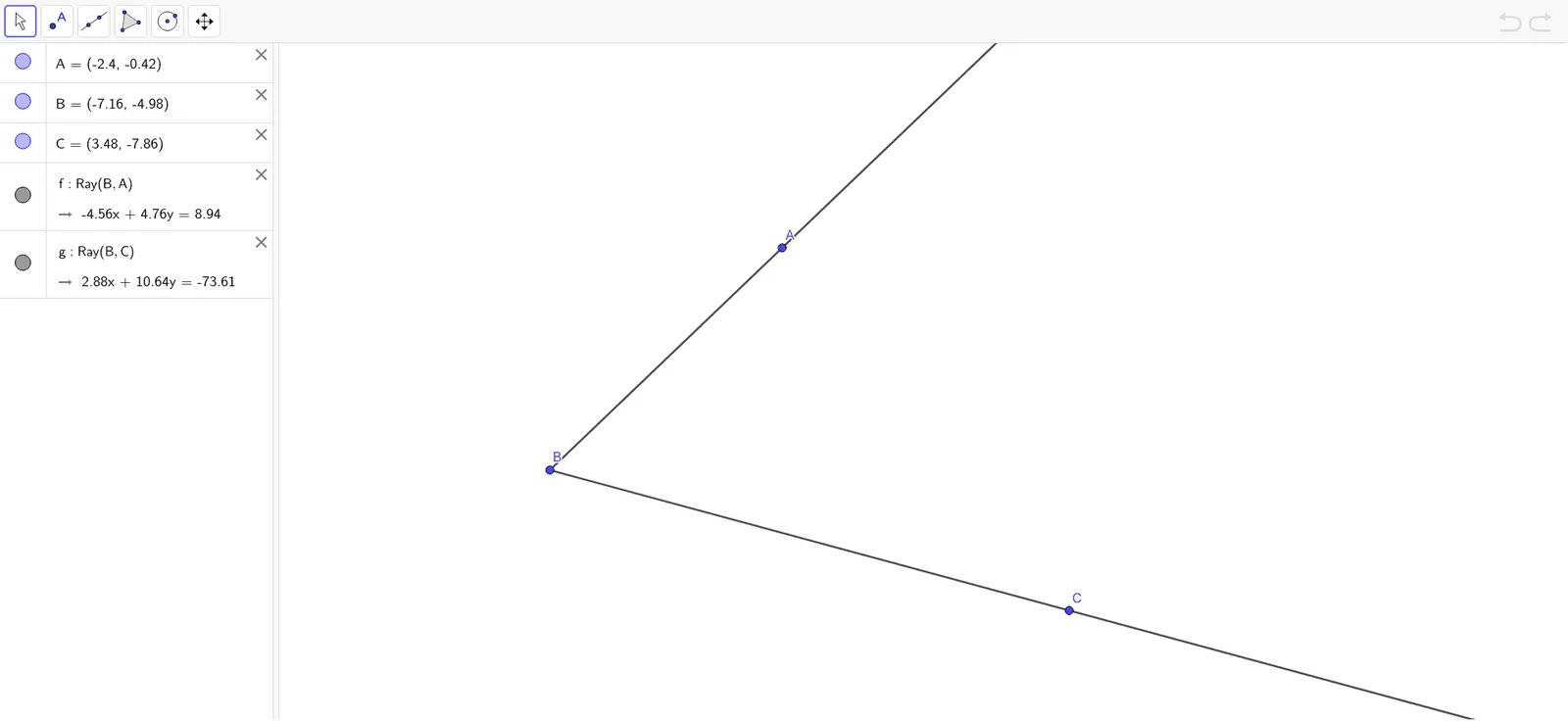
①This example demonstrates how to copy a given angle exactly using GeoGebra's Ray tool, a classic Euclidean construction.②The core mathematical concept is angle replication, involving the vertex, sides, and intersection points of arcs to create a congruent angle.③Construction details: from the summary, the Ray command is used, with objects A, B, C and auxiliary lines f, g; typically, an arc is drawn from the original vertex, then replicated at the new vertex, and the intersection point is connected to form the equal angle.④It is suitable for middle school geometry students learning compass-and-straightedge constructions, and for teachers demonstrating rigorous construction steps to reinforce understanding of angle properties and geometric reasoning.
GeoGebra Commands & Parameters
Ray(B, A) → fRay(B, C) → g
AI Drawing Prompt Reference
Draw an angle with its vertex in the center, two rays extending left and right. From the vertex, create two rays of different lengths to form an arbitrary angle. Choose a new point outside the angle as a new vertex, and draw a ray from it as one side of the new angle. Then, with the original vertex as center, draw an arc intersecting both sides of the angle. Using the same radius, draw an arc centered at the new vertex, intersecting the ray. Finally, connect the new vertex to the arc intersection to form an angle congruent to the original. The figure shows the angle-copying construction, including the original angle, new vertex, auxiliary arcs, and the resulting equal angle.
The prompt above was compiled from the original drawing commands and is for reference only.