
Copy a Segment – Basic Geometric Construction
Loading the math board and drawing, please wait…
In collections
Geometry Constructions
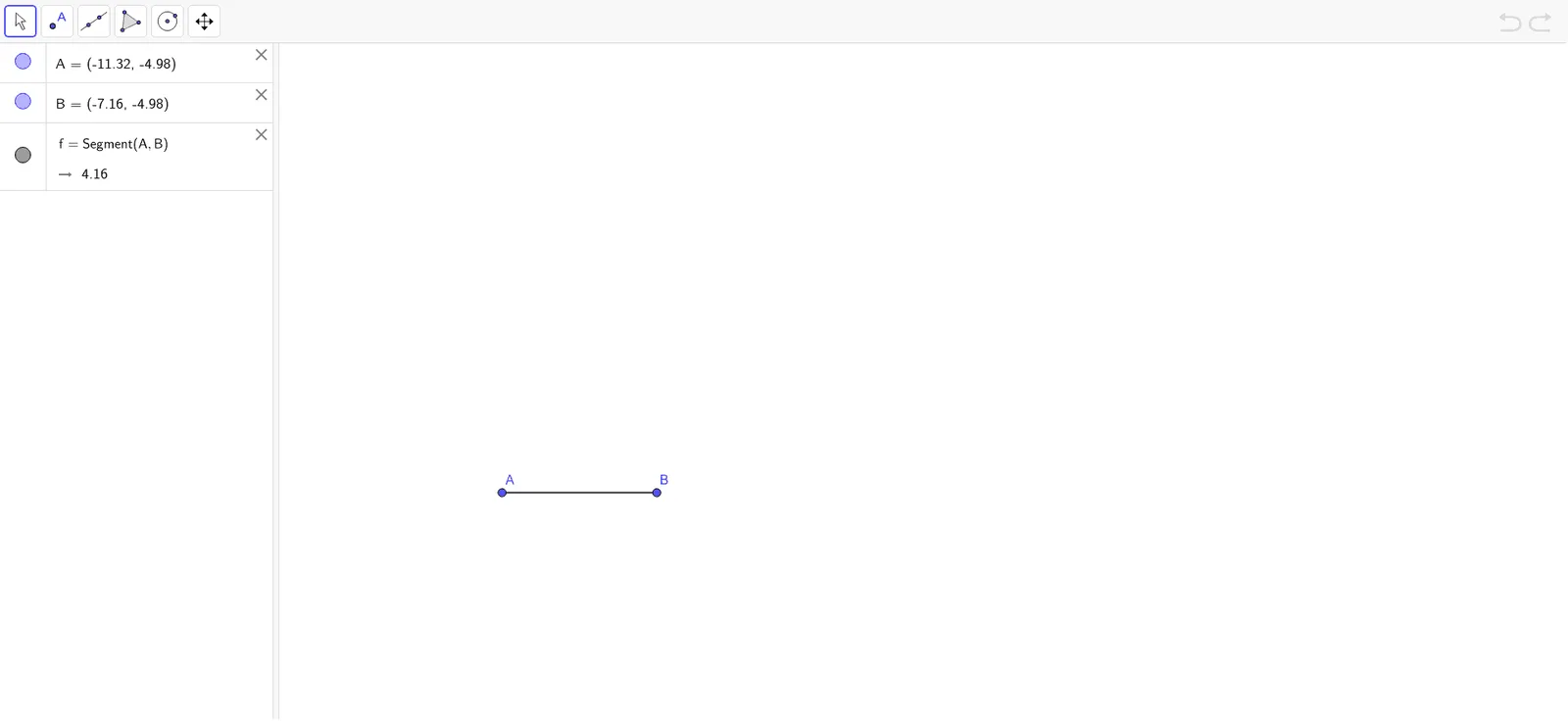
This GeoGebra example demonstrates how to copy a given segment AB to a new location using classic straightedge-and-compass construction. The core mathematical concept is the preservation of length through geometric construction, relying on the fundamental operations of drawing circles with a fixed radius and connecting points with straight lines. From the construction summary, the Segment command is used, with objects A, B, and segment f (representing AB). The typical steps involve drawing a ray, constructing a circle centered at the new start point with radius equal to AB, and then using the Segment command to connect the intersection point. This activity is ideal for middle school geometry students learning the foundations of construction, reinforcing precision and logical reasoning, and preparing for topics like congruent triangles and transformations.
GeoGebra Commands & Parameters
Segment(A, B) → f
AI Drawing Prompt Reference
Draw a line segment, then use one endpoint as the center and the length of the segment as the radius to draw a circle. Draw a ray from the other endpoint, and let it intersect the circle at a point. Connect the center of the circle to this intersection point to form a new line segment equal in length to the original.
The prompt above was compiled from the original drawing commands and is for reference only.