
Copy a Segment by Jonathan Garfield
Loading the math board and drawing, please wait…
In collections
Basic Construction Activities
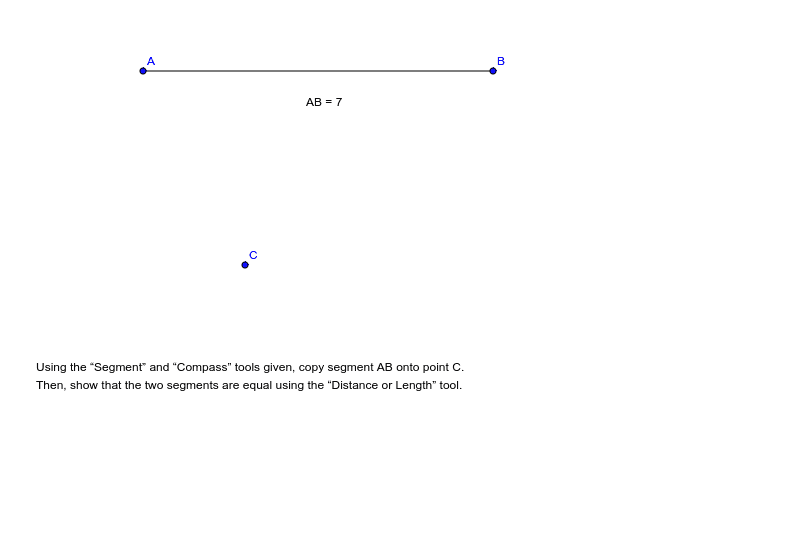
This example demonstrates how to copy a segment using GeoGebra commands. It involves core mathematical concepts such as segment length and geometric construction. By utilizing commands and objects like Segment, Distance, points A, B, a, C, distanceAB, Segment, and text1, users can accurately replicate a segment. This example is suitable for middle and high school students, teaching basic geometric construction techniques and segment length calculations.
GeoGebra Commands & Parameters
Segment(A, B) → aDistance(A, B) → distanceAB
AI Drawing Prompt Reference
Draw a line segment AB, then measure its length. Next, copy this segment from point A to point B to create a new segment a. Finally, show the length of segment AB as distanceAB.
The prompt above was compiled from the original drawing commands and is for reference only.