
Copy a Line Segment by Mr.Hanan
Loading the math board and drawing, please wait…
In collections
Constructions with Technology
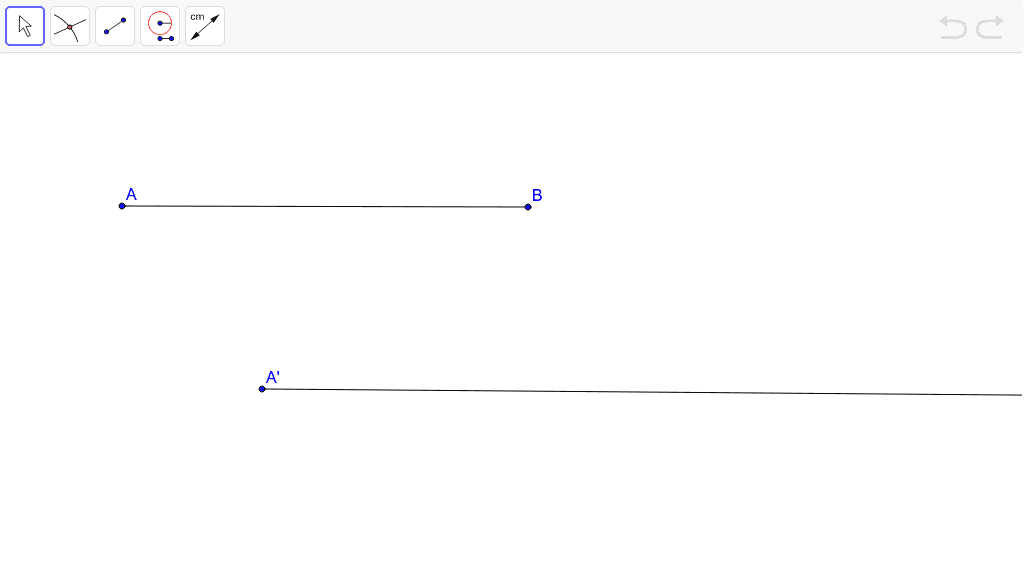
This example demonstrates how to copy a line segment using GeoGebra, involving core concepts like vectors, coordinate geometry, and geometric construction. Key commands used are Segment and Ray, with objects A, B, a, A', D, b. Suitable for middle school students and above to learn basic line segment copying techniques and for coordinate geometry instruction.
GeoGebra Commands & Parameters
Segment(A, B) → aRay(A', D) → b
AI Drawing Prompt Reference
Draw a line segment and copy it to a new location. First, create the original segment with its two endpoints. Then, from a new starting point, draw a ray in the same direction as the original segment, making its length equal to the original segment, so that the copied endpoint is determined on the ray. The figure illustrates the translation of a segment, reflecting basic vector and coordinate geometry concepts.
The prompt above was compiled from the original drawing commands and is for reference only.