
Coordinates of a Point
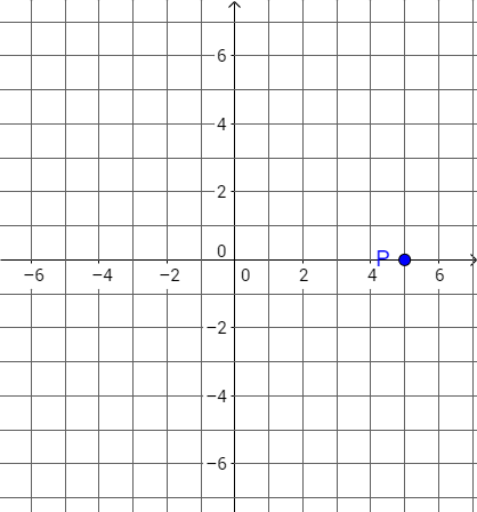
Loading the math board and drawing, please wait…
This example demonstrates how to determine and label the coordinates of a point in a 2D coordinate system. It involves core math concepts like coordinate geometry, vectors, quadratic functions, area calculation, reflection, and integral calculus. Construction highlights include using GeoGebra commands like Textfield, Vector, Text, InputBox, buttons, and sliders to create interactive points, vectors, and feedback mechanisms. Suitable for high school mathematics teaching, focusing on introductory coordinate geometry and vector basics.
GeoGebra Commands & Parameters
Textfield(P) → InputBox1Vector((0, 0), (x(B), 0)) → uVector((x(B), 0), (x(B), y(B))) → vText(x(B)) → textAText(y(B)) → textB
AI Drawing Prompt Reference
Draw a point in a 2D coordinate system and represent its position with vectors, labeling its x and y coordinates. First, draw a vector from the origin to point B, then a vector from B horizontally to vertically, labeling the start and end points of each vector, and finally display the x and y coordinates of point B.
The prompt above was compiled from the original drawing commands and is for reference only.