
Coordinate Practice
Loading the math board and drawing, please wait…
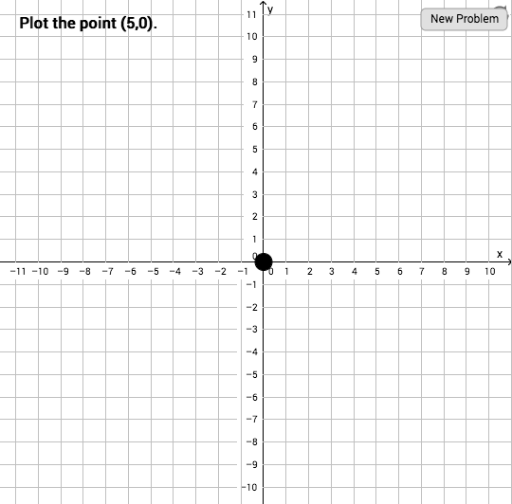
This example demonstrates coordinate geometry practice by randomly generating points A, a, b, c, d, and B in a coordinate system. It involves core math concepts like coordinates, congruence, fractions, vectors, trapezoids, and means. The construction uses GeoGebra's Random command and objects such as A, a, b, button1, c, d, B, text2, text1, button2. Suitable for middle school and above students for practicing basic coordinate and vector geometry knowledge.
GeoGebra Commands & Parameters
Random(-10, 10) → aRandom(-10, 10) → b
AI Drawing Prompt Reference
In a Cartesian coordinate system, randomly generate two points with coordinates ranging from -10 to 10 on both axes. These points serve as the basis for coordinate geometry practice, illustrating fundamental concepts such as point positions, vector relationships, and potential geometric constructions. The figure should include clear axes and grid lines, with the two random points prominently marked and accompanied by text labels indicating their coordinates or related geometric properties. The overall design is suitable for middle school and above students to practice basic coordinate and vector geometry, emphasizing visual clarity and interactivity.
The prompt above was compiled from the original drawing commands and is for reference only.